Clearreel turns screen recordings into polished videos automatically: it zooms in where you click, smooths your cursor and puts everything on a beautiful background. No account, no cloud — your recordings never leave your Mac.
Coming soon to the Mac App Store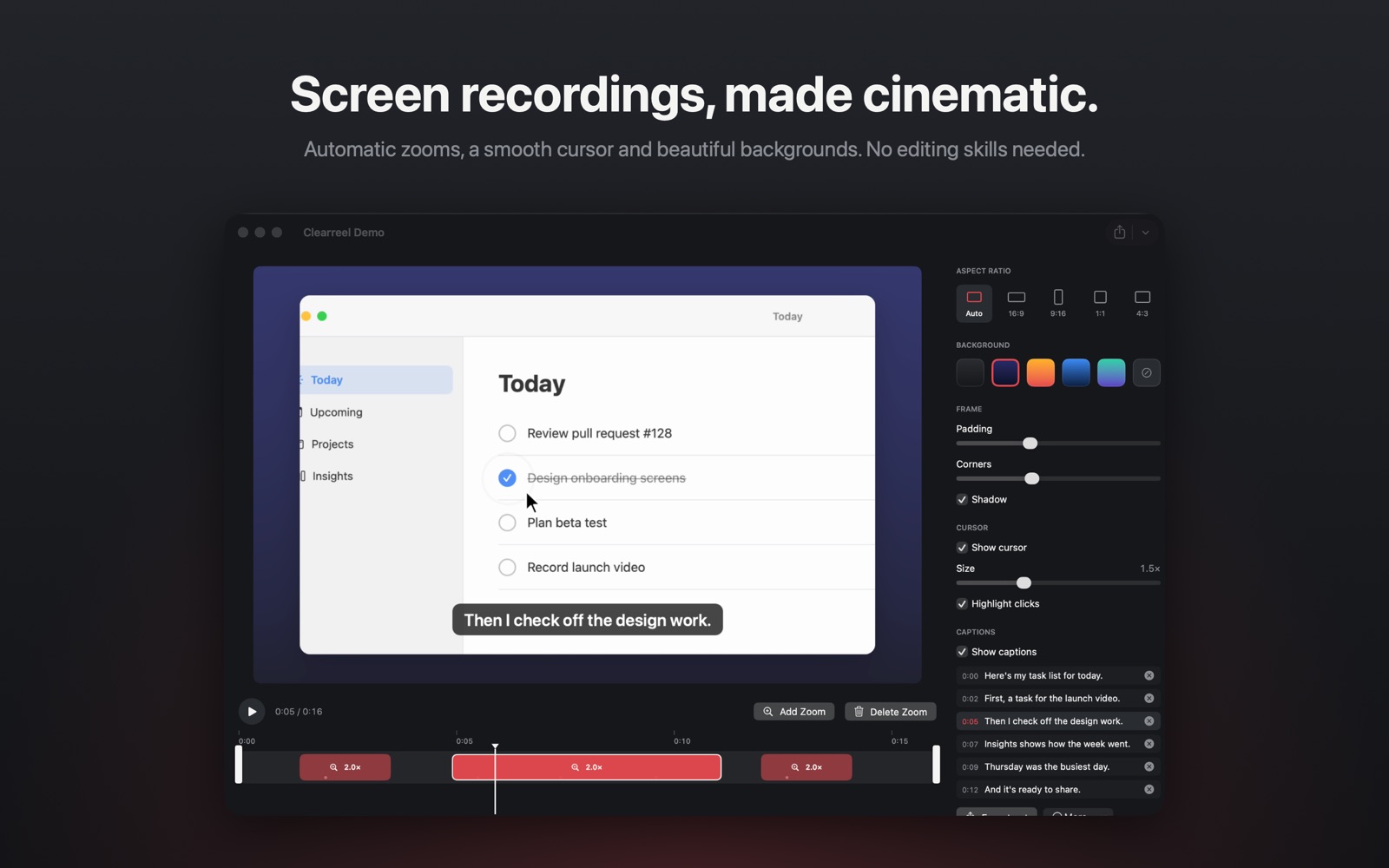
• Record a window, your whole display or just an area of it with one global shortcut or from the menu bar
• macOS's own content picker: Clearreel only ever sees the window or display you choose
• System audio and your microphone, mixed perfectly in every export
• Record a connected iPhone or iPad — screen and sound — with the same polish
• A camera bubble you can move, resize, reshape or hide after recording
• Show the keyboard shortcuts you press, like ⇧⌘4 — never what you type
• Countdown, a floating stop button that never appears in your video, crash-safe recording
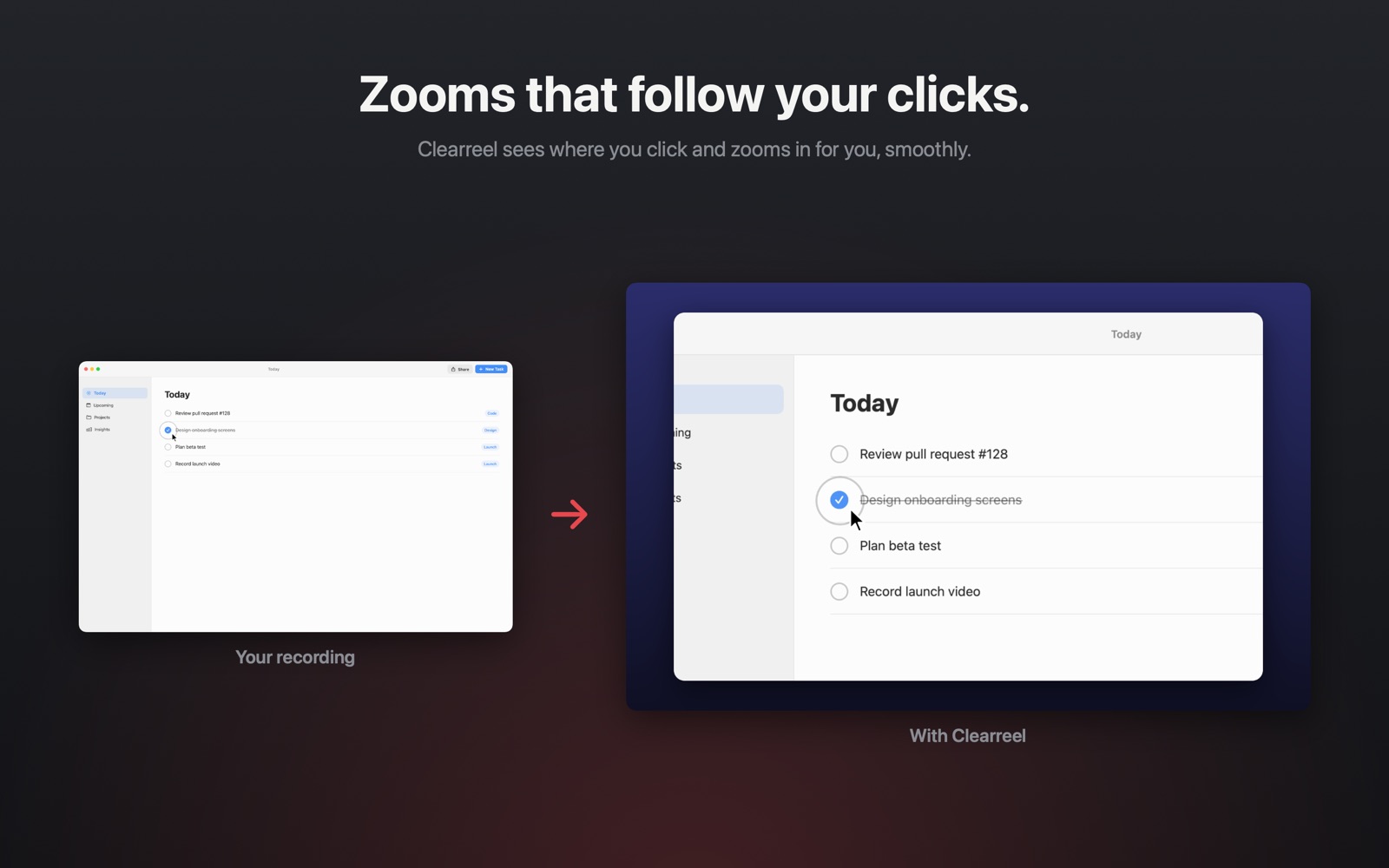
• Automatic zooms wherever you click, following your cursor smoothly
• A cursor that glides instead of jittering — bigger when you want it, with a ring on every click
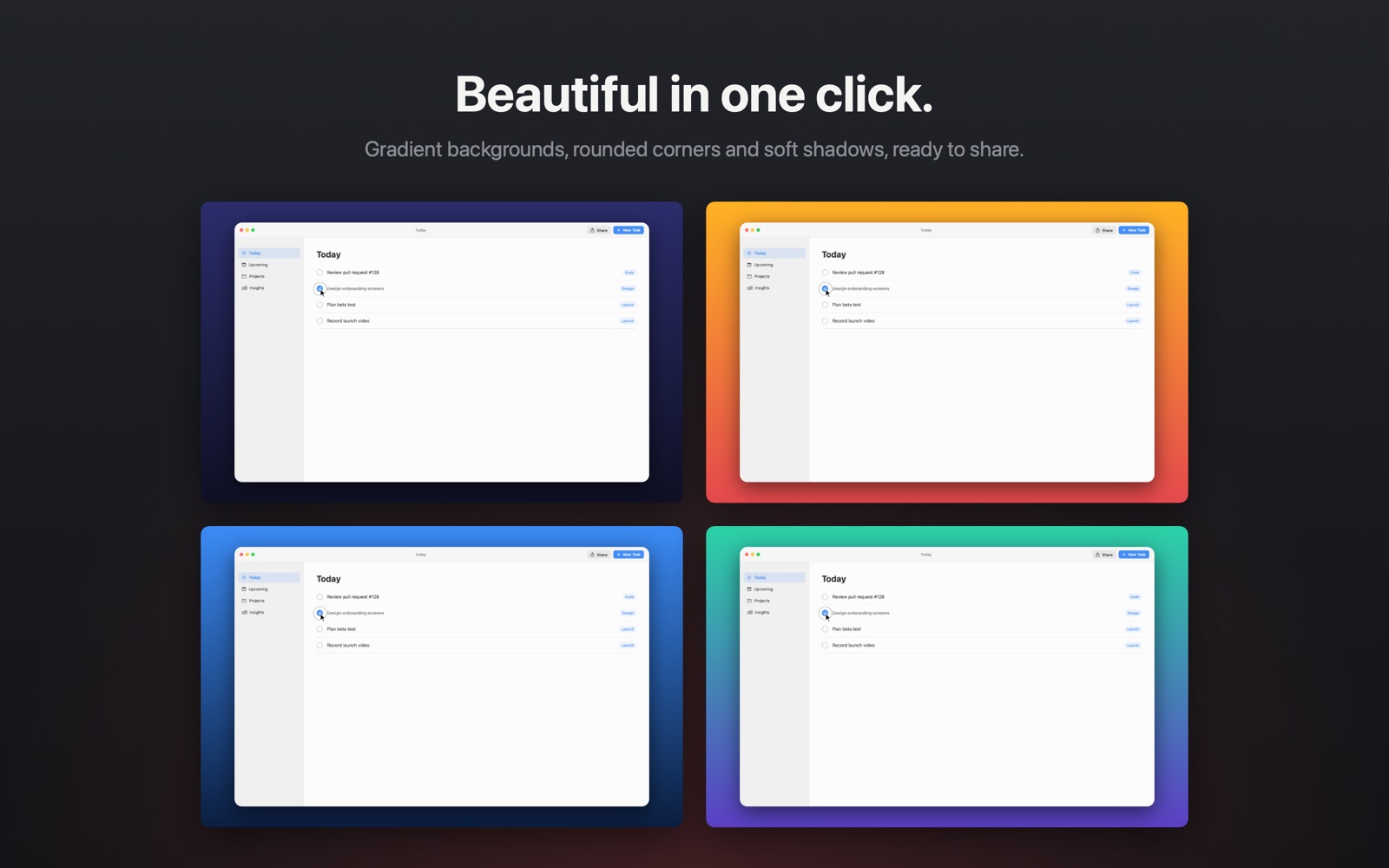
• Gradient backgrounds, padding, rounded corners and soft shadows
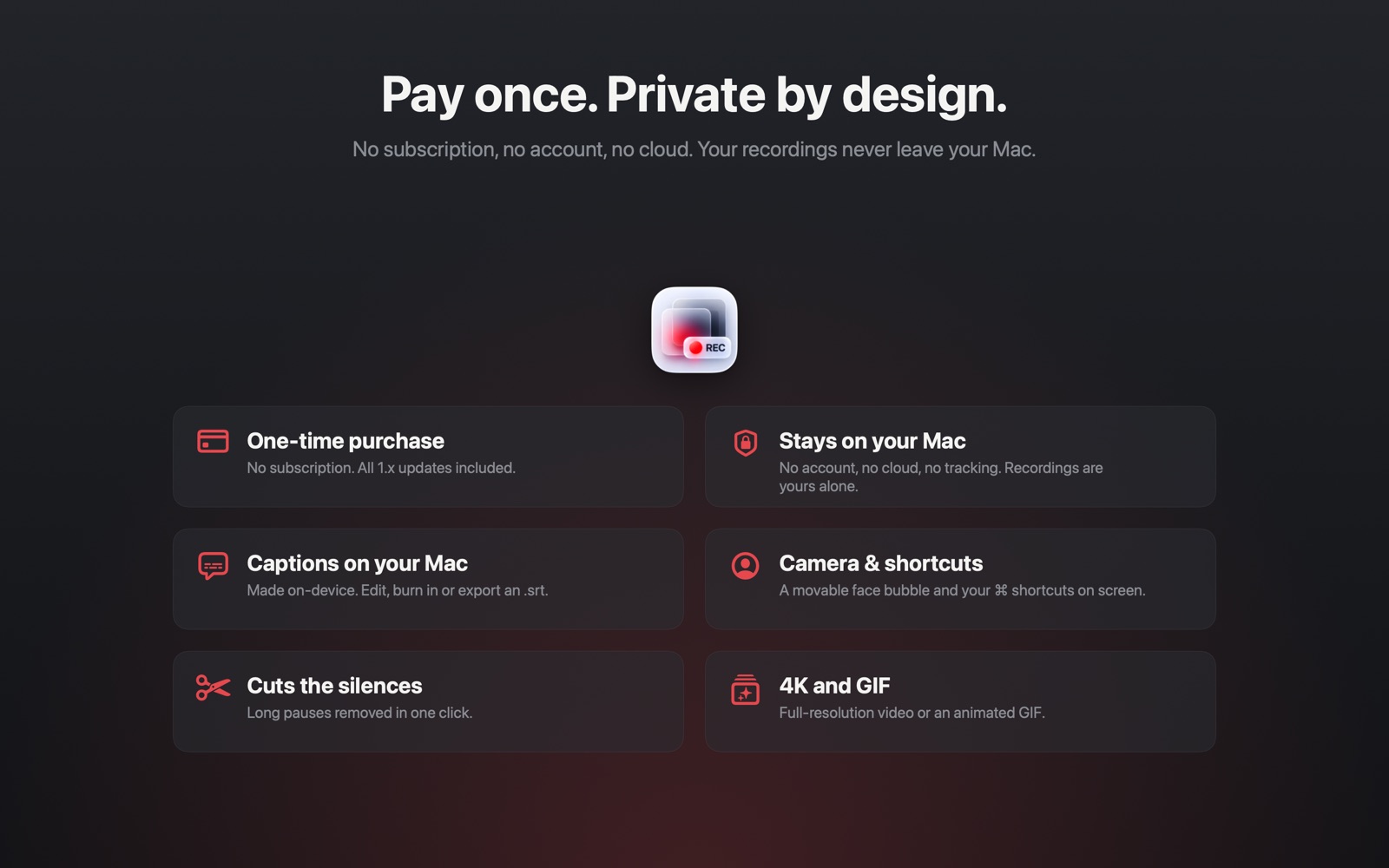
• Remove long silences in one click
• Captions generated on your Mac — edit them, burn them in or export an .srt file
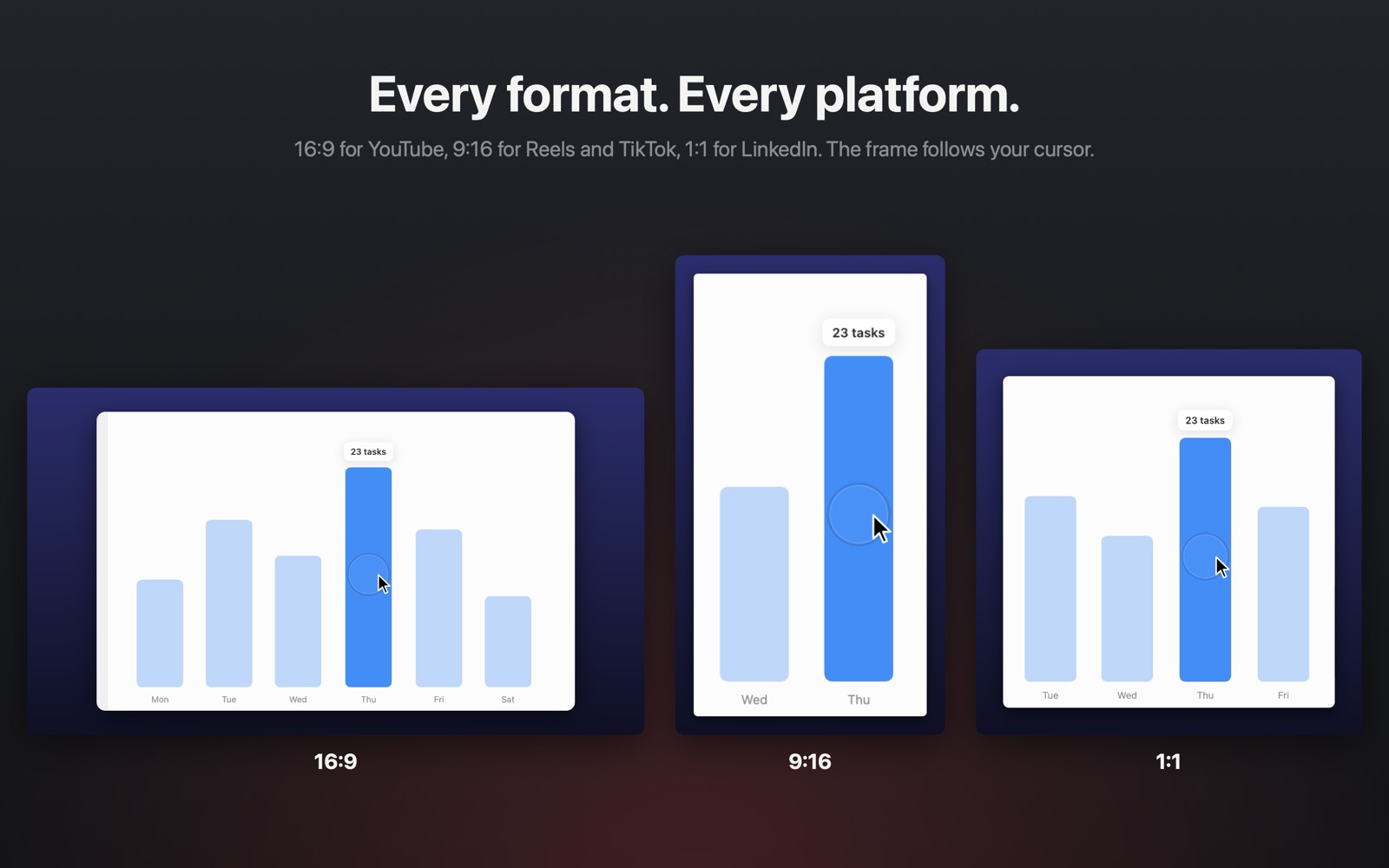
• 16:9 for YouTube and presentations, 9:16 for Reels, TikTok and Shorts, 1:1 for LinkedIn
• In vertical formats the frame follows your cursor so the action stays in view
• Hardware-accelerated MP4 export; 4K/5K and animated GIF with Clearreel Pro
• Merge several recordings into one — edits, zooms and captions included
• Undo and redo for every edit
A good screen recording is mostly about three things: the viewer can see what you're doing, they can hear you, and the video fits where it's going. Here is how each works on a Mac — and where the usual advice goes wrong.
macOS's built-in recorder (⇧⌘5) can record your microphone but not the sound your Mac plays — the video you're demoing, a notification, a meeting. For years the workaround was a virtual audio driver.
That's no longer needed. Recent macOS versions let an app capture system audio directly. In Clearreel, turn on System Audio and Microphone before you record; both go into the video and you can set each one's volume afterwards. Use headphones if you're talking over system audio, or your mic will pick up the speakers too.
A full Retina screen is around 3000 pixels wide. Shown on a phone, everything shrinks to a fraction of its size, and platforms re-compress the video on top of that. Small text simply doesn't survive.
The fix is to show less of the screen at a time: zoom in on the part that matters. That's what automatic zoom does — it follows your clicks so the important area fills the frame. A larger cursor and a vertical 9:16 export help even more on phones.
While you record, Clearreel saves where your cursor is and when you click — separately from the video. Afterwards it groups clicks that happen close together, zooms in slightly before the first click and eases back out a moment after the last one. The camera follows a smoothed version of your cursor, so it moves calmly instead of jerking around.
Because nothing is baked into the recording, every zoom stays editable: drag it on the timeline, change its strength or delete it.
No. Many recorders ask for full Screen Recording access in System Settings, which lets them see everything on every display. Clearreel uses the system content picker instead: macOS asks you what to share, and Clearreel receives only that window or display, only while recording.
Clearreel only asks for other permissions when you turn on the feature that needs them: the microphone, the camera, or Input Monitoring for showing keyboard shortcuts (shortcuts only — never what you type).
Match the place it will be watched. 16:9 for YouTube, websites and presentations; 9:16 for Reels, TikTok and Shorts; 1:1 for LinkedIn and Instagram feeds, where square video takes up more of the screen than landscape.
Keep it short. Cutting silences and pauses often removes a third of a first take without losing anything, and viewers notice the difference.
The download is free and every editing feature is free to use. Free exports are 1080p with a small “Made with Clearreel” label. Clearreel Pro is a one-time in-app purchase — no subscription — that removes the label and unlocks full-resolution and GIF export.
Clearreel runs on Macs with macOS 15.0 Sequoia or later. Apple silicon is recommended for 4K export.
In Movies › Clearreel on your Mac. There is no account and no cloud, and Clearreel collects no data.
Yes. Open Settings › Clearreel Pro › Restore Purchases while signed in with the same Apple Account.
English and Turkish.
Clearreel is built by BIR (Build Intelligent Reality), an independent software studio founded by Birkan Aksoy.


