
Parking Pin remembers where you parked — so you never have to.
Download on the App Store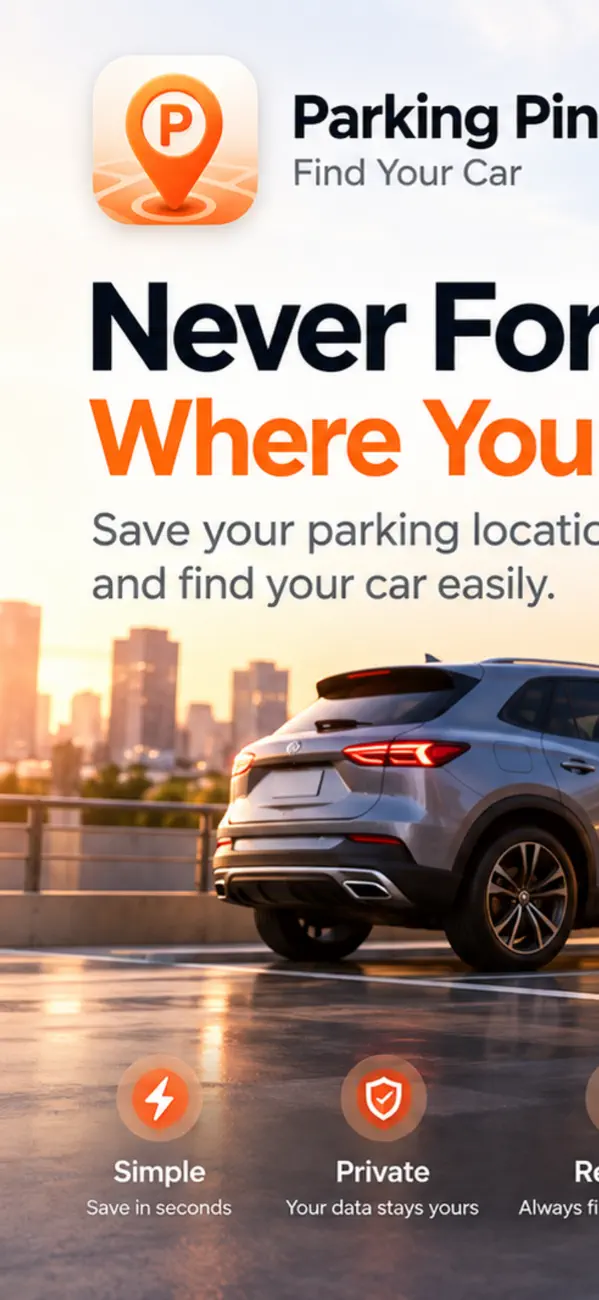
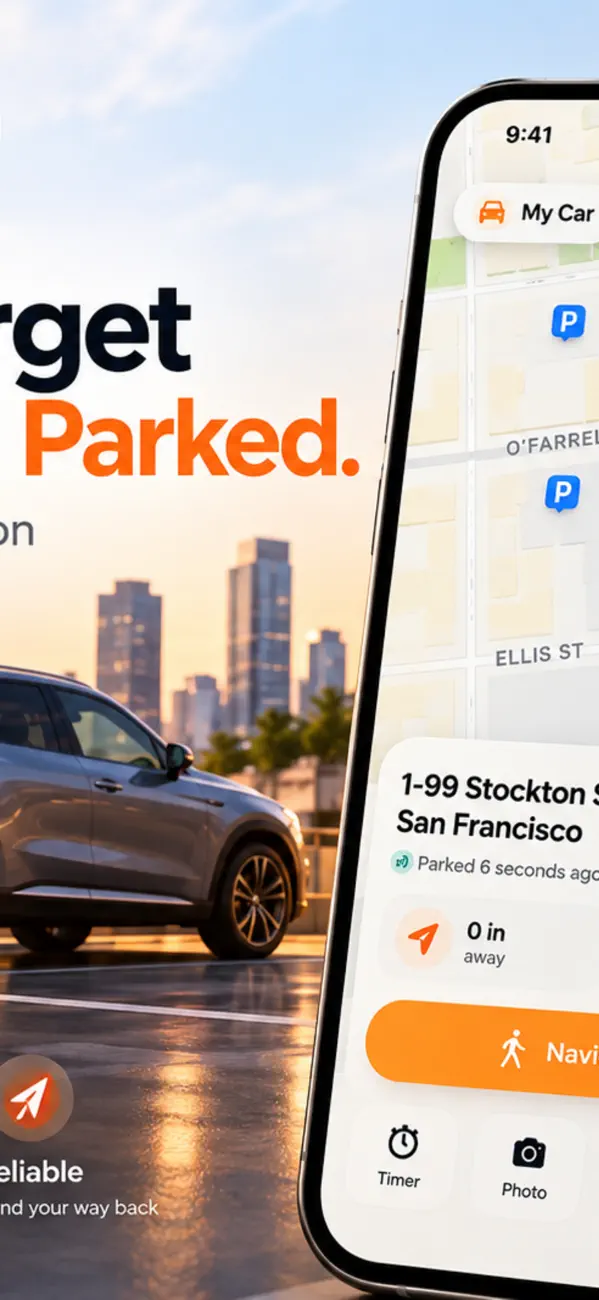
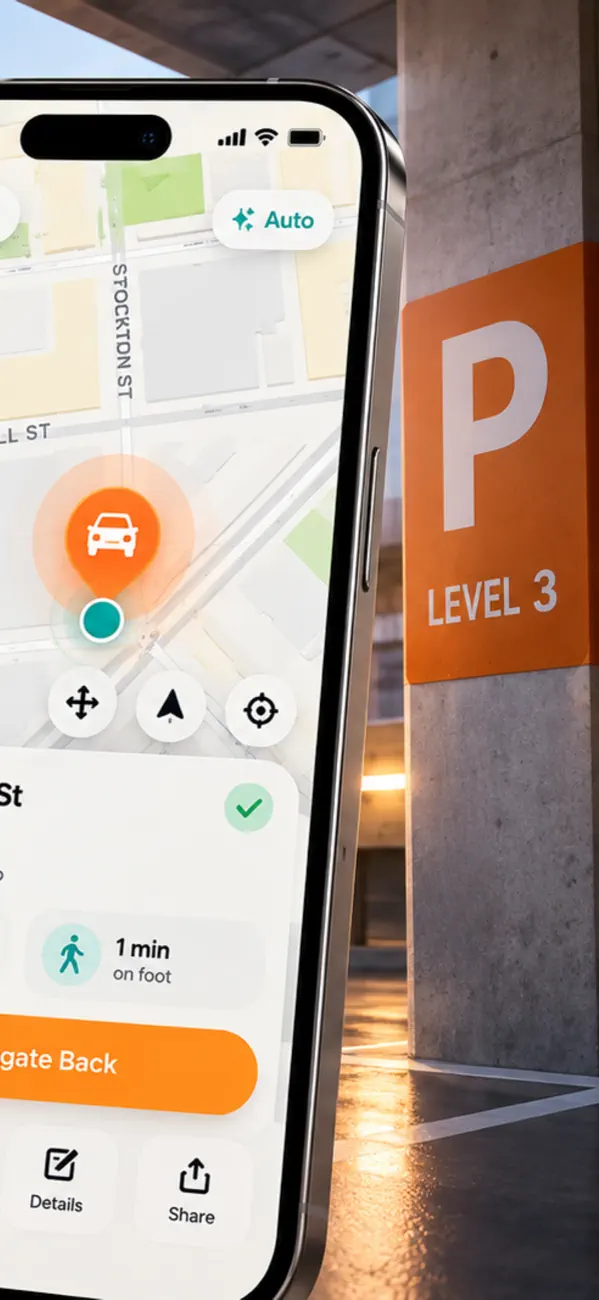
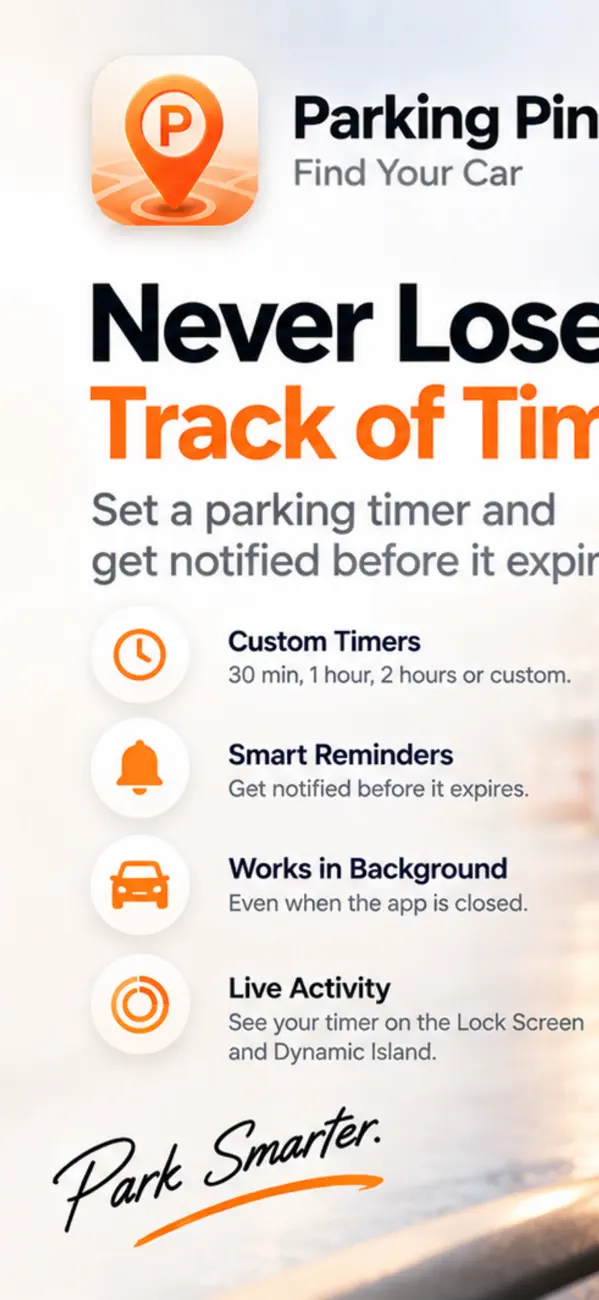
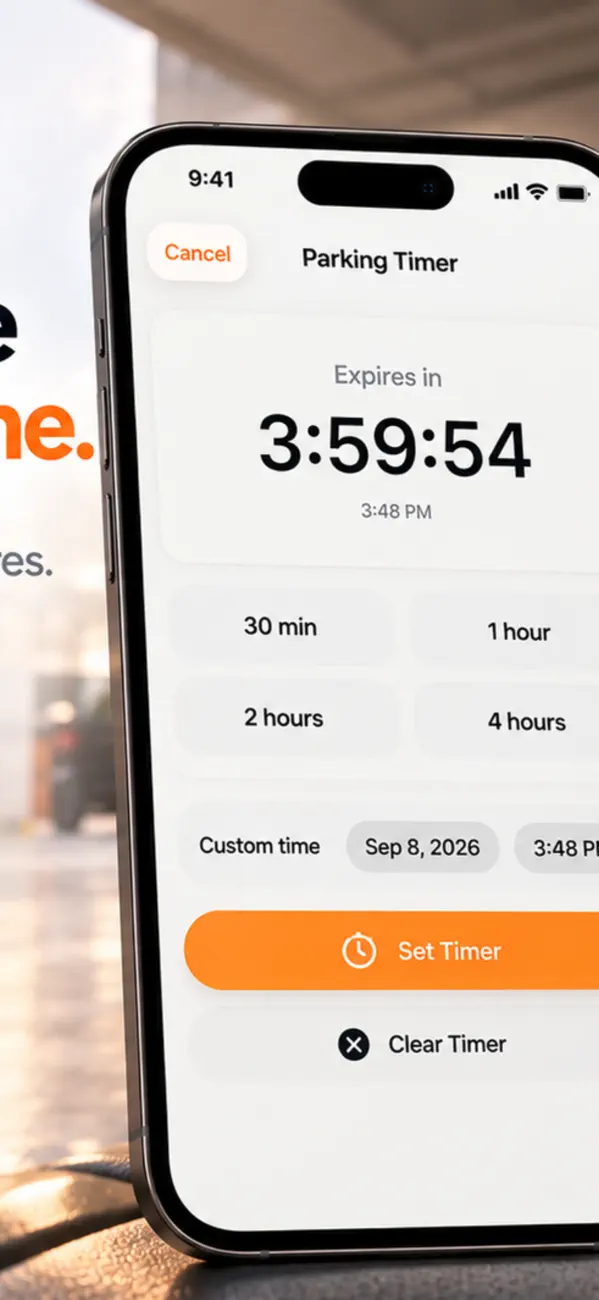
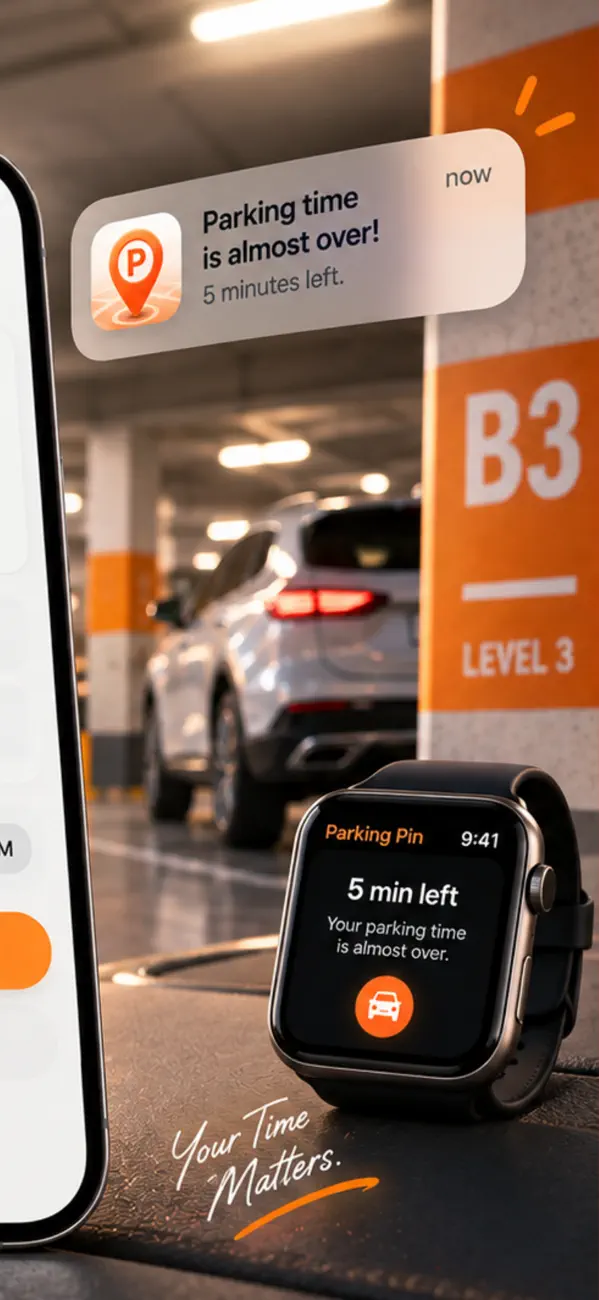
The moment you park, Parking Pin quietly saves your spot. No button to press, no note to take. When it is time to head back, a live compass and a walking route guide you straight to your car.
Calm, private, and effortless.
Parking Pin senses when you have parked and stopped driving — using motion and your car's Bluetooth — and drops a pin automatically. Forget the "where did I park?" panic for good.
• A live compass points to your car with real-time distance
• Turn-by-turn walking route on the map
• Works even when the signal is weak
• Snap a photo of your parking level or sign — the text is read automatically
• Add a quick voice note
Forgetting where you parked is a memory-encoding problem, not a navigation one. That is why an accurate pin beats trying harder to remember.
Because parking is routine and unremarkable, so your brain does not encode it strongly. Worse, similar events interfere with each other — after a hundred trips to the same car park, today's spot competes with every previous one.
This is normal memory behaviour, not a failing. The reliable fix is external: record it rather than rehearse it.
Poor, and it gets worse the deeper you go. GPS needs line of sight to satellites; concrete and steel block it, so an underground level may show an error of tens of metres, or a position fixed at the entrance where you last had signal.
Critically, GPS gives no floor information. In a multi-storey, save a photo of the level marker or a note with the section — that is the part coordinates cannot capture.
A photo, taken from where you park, facing the nearest permanent marker — a pillar number, a section letter, a lift entrance. It captures the floor, the direction and the landmark in one action.
Combine it with a saved pin. The pin gets you to the right building, the photo gets you to the right corner of it.
Not if it is a one-off fix. Continuous background tracking is what costs battery; requesting a single position when you press save costs almost nothing.
Worth checking in Settings which apps hold Always location permission. Most only need While Using, and that difference matters for both battery and privacy.
The download is free, but Parking Pin - Find My Car has in-app purchases. Parking Pin - Find My Car also offers in-app purchases; the App Store listing has the current terms.
Parking Pin - Find My Car runs on iPhone and iPad and requires iOS 17.0 or later.
The download size is 11 MB.
The current version is 1.8, released on 2026-10-28.
Parking Pin - Find My Car is available in Arabic, CA, HR, CS, DA, Dutch, English, FI and more.
Parking Pin - Find My Car is built by BIR (Build Intelligent Reality), an independent software studio founded by Birkan Aksoy. BIR has 38 apps on the App Store.
Straight answers — no app required.
All questions →


