
Turn your photos into custom stickers in seconds!
Download on the App Store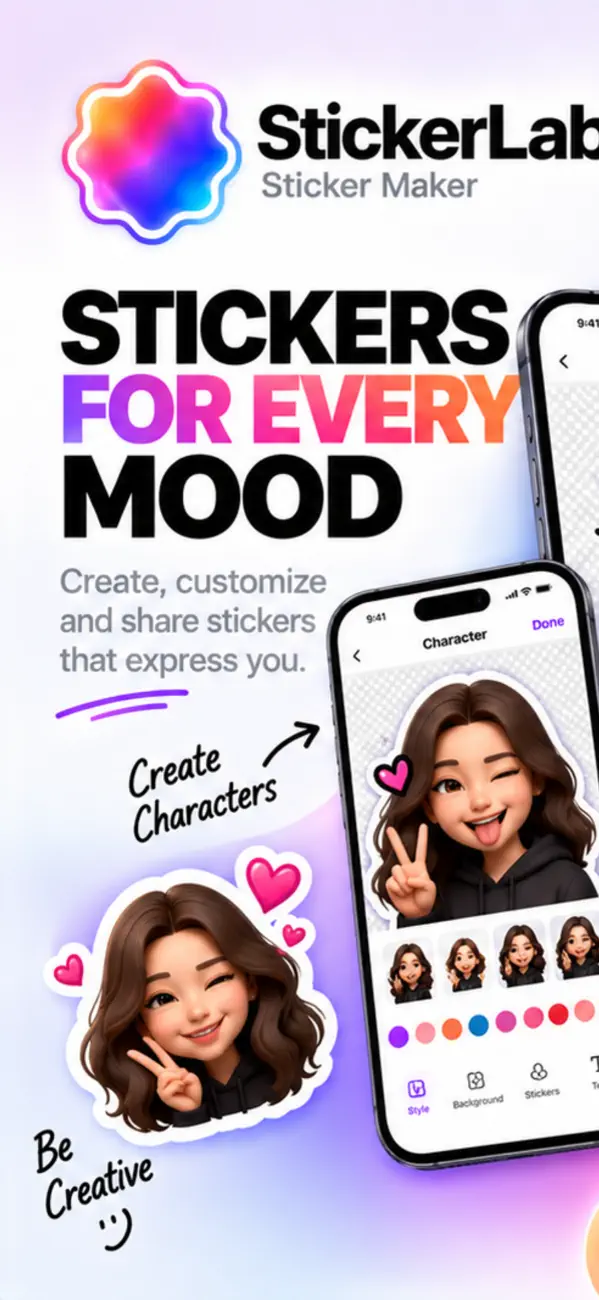
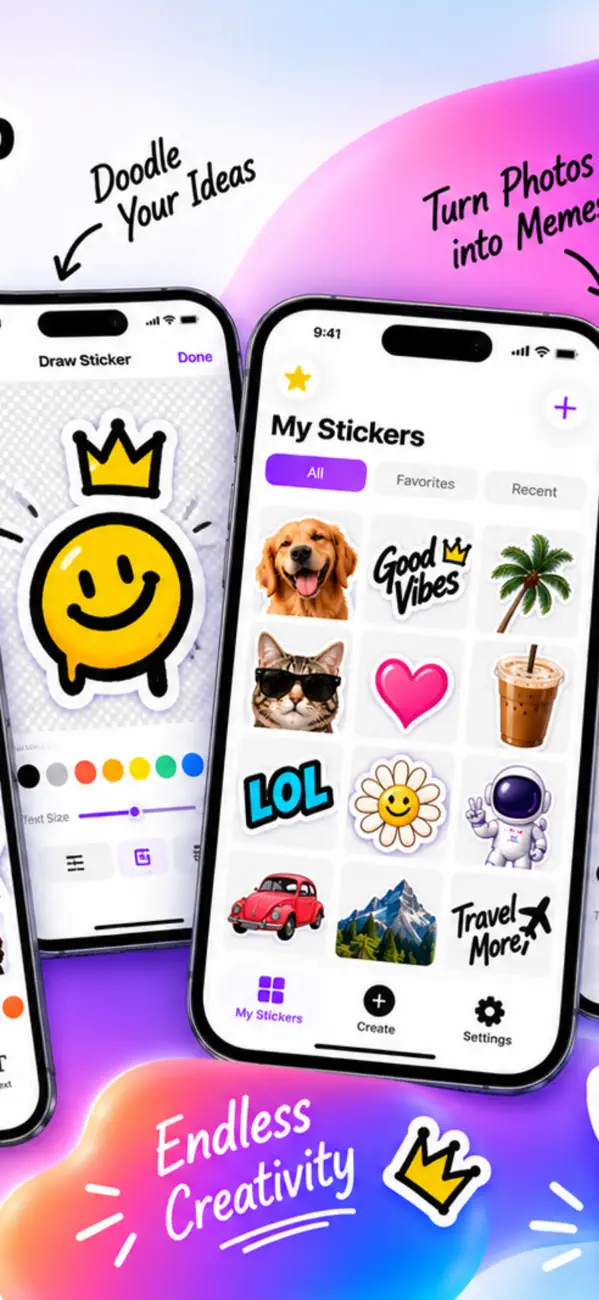
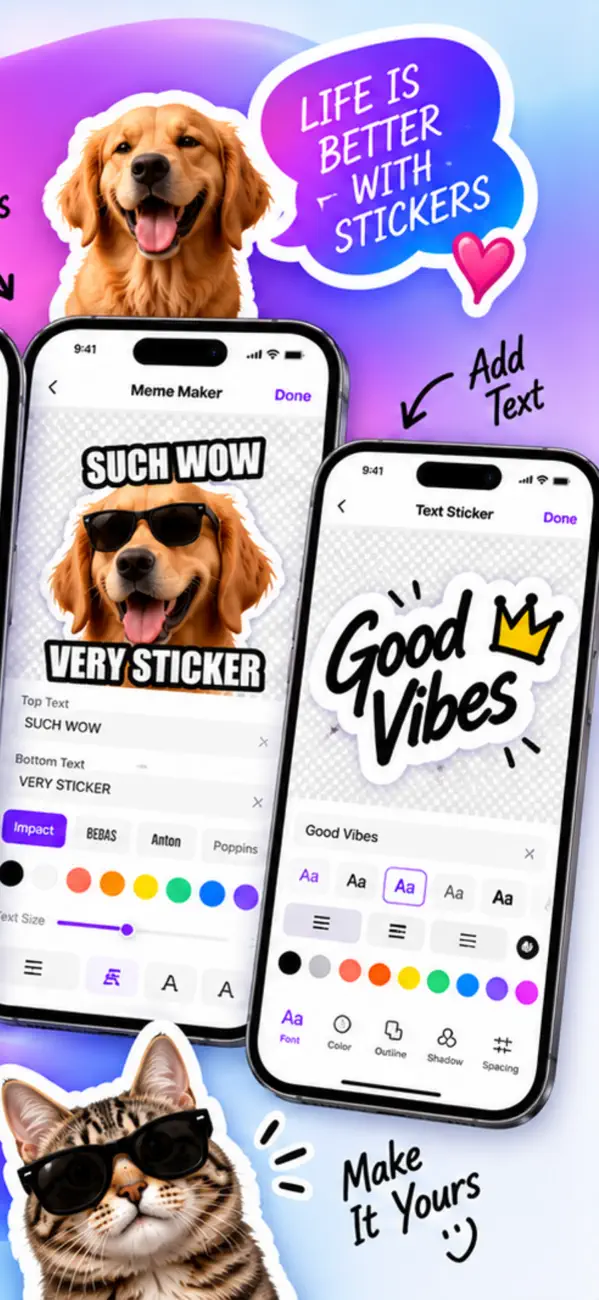
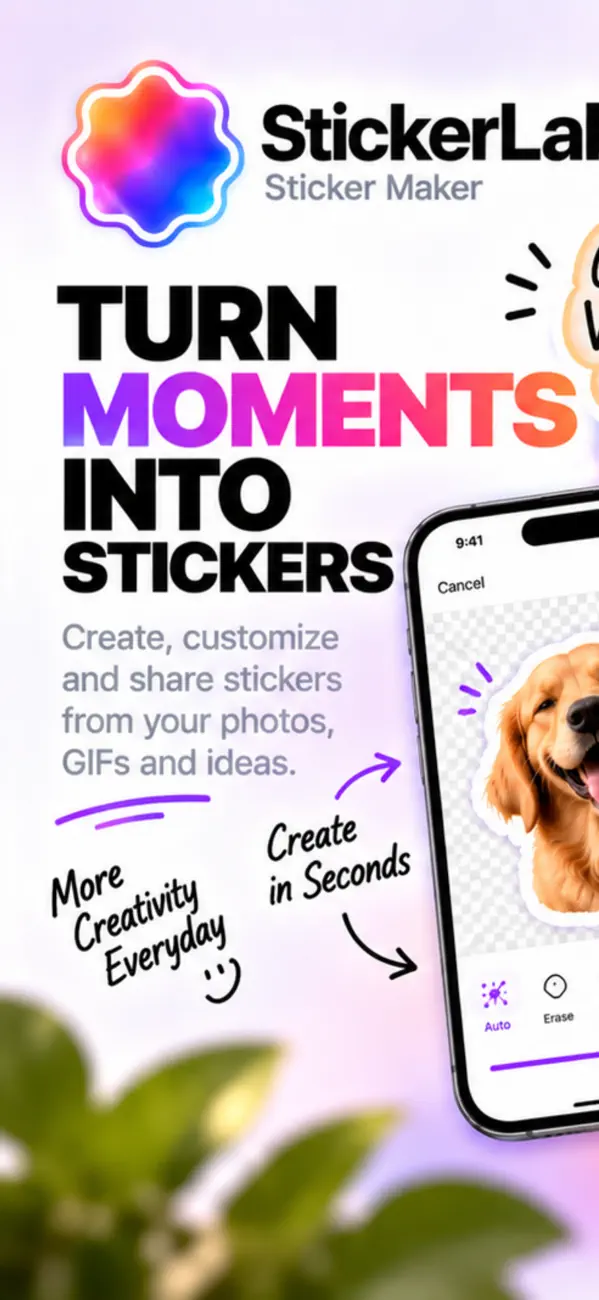
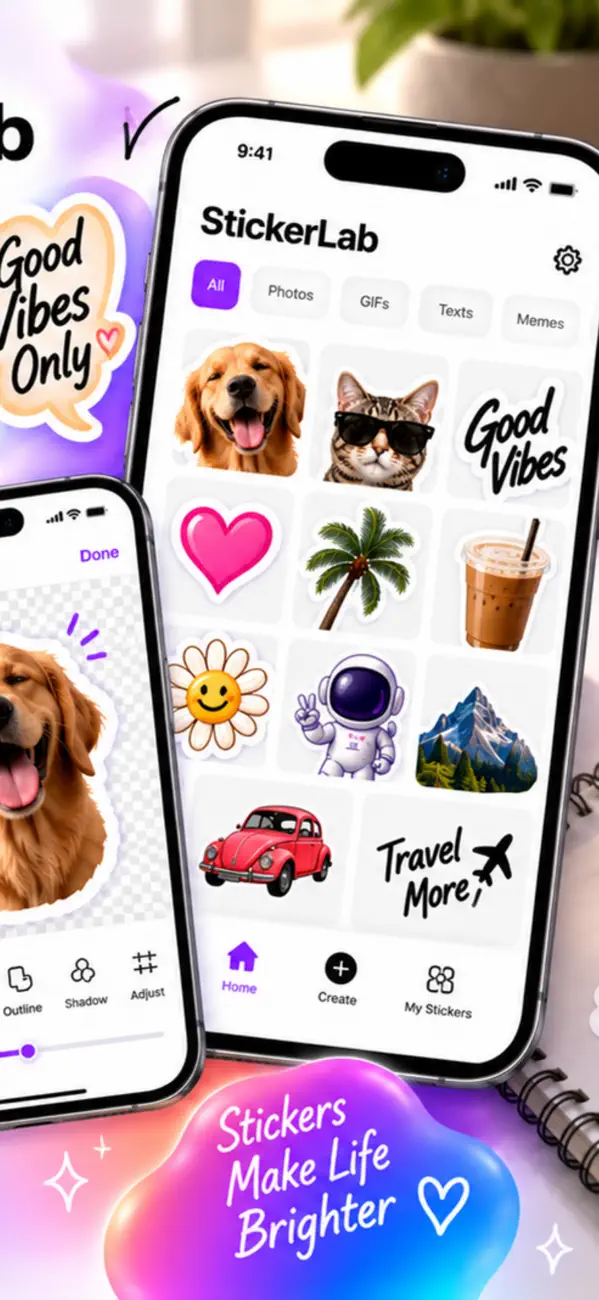
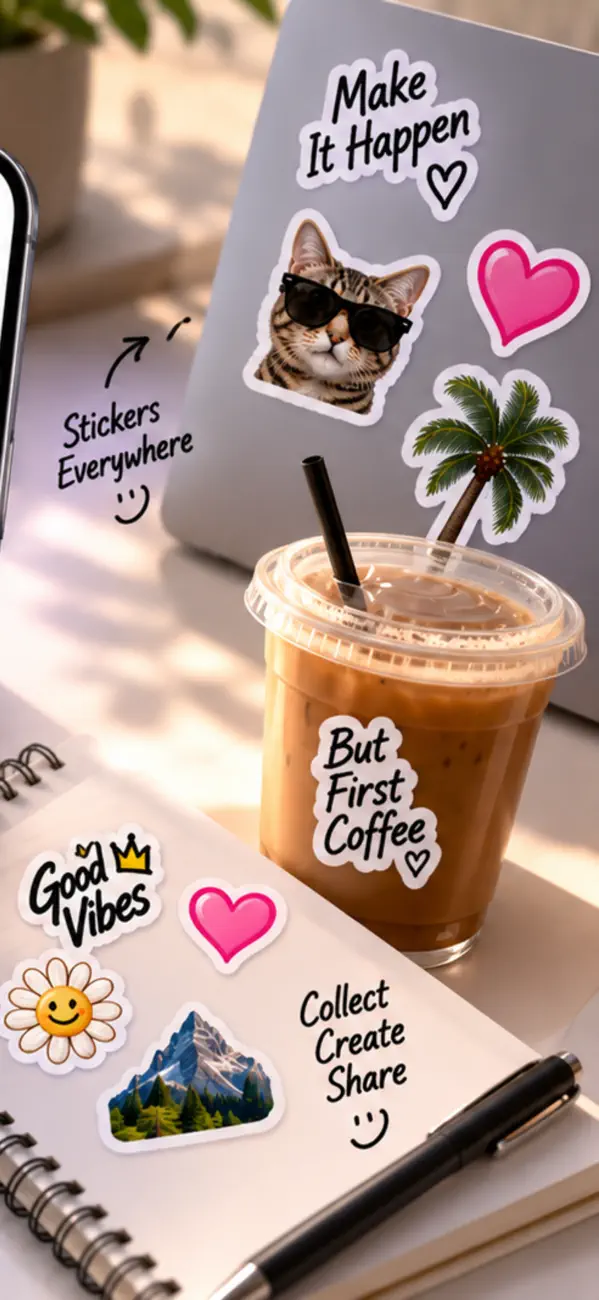
Pick any photo, let StickerLab remove the background automatically, then edit and save it to your library. Or start from a ready-made template. Send your stickers in Messages, WhatsApp and every other app.
• Smart background removal — on-device Apple technology, fast and clean
• Sticker templates — ready-made packs for Reactions, Love, Celebrate, Work, Greetings, Seasonal and more, added with one tap
• Discover tab — browse trending packs and featured collections, updated often
• AI tools — AI stickers, AI avatar packs and Genmoji turned into die-cut stickers
• Live Sticker Camera — watch the background vanish live, then tap to snap
• Animated stickers — turn a video or GIF into a looping sticker
• Text & meme stickers — type any word and pick a pro style: comic burst, neon, speech bubble, gradient or 3D pop
• Sticker collage — combine several stickers into one
• Character maker — design your own cute mascot
A good sticker is mostly about the cutout and the export format. Get those right and everything else is taste.
Clean edges and a transparent background. iOS can lift a subject automatically, and it works well when the subject contrasts with what is behind it — a person against a plain wall cuts perfectly, the same person against a busy pattern does not.
Hair, fur and semi-transparent edges are where automatic selection struggles in every tool. A slightly tighter crop hides more sins than a perfect algorithm.
Because it was saved as JPEG. JPEG has no alpha channel, so transparency is filled with white on export — this is the single most common sticker mistake.
Save as PNG (or WebP) to keep transparency. If your sticker already has a white box baked in, the transparency is gone and it has to be cut out again from the original.
Around 512×512 pixels is the practical standard across messaging platforms. Larger wastes bandwidth for no visible gain, since stickers are displayed small.
Leave a little padding inside the canvas. A subject touching the edges looks cropped when the app adds its own outline or shadow.
Legally, no — the same rules apply as to any image. Photographs you took are yours. Photos of other people raise likeness questions if you distribute them, and characters, logos and artwork belong to someone.
Private use among friends is one thing; publishing a pack is another. Platforms remove packs built on copyrighted characters routinely.
The download is free, but StickerLab - Sticker Maker has in-app purchases. StickerLab - Sticker Maker also offers in-app purchases; the App Store listing has the current terms.
StickerLab - Sticker Maker runs on iPhone and iPad and requires iOS 17.0 or later.
The download size is 18 MB.
The current version is 2.3, released on 2026-11-04.
StickerLab - Sticker Maker is available in Arabic, BN, CA, HR, CS, DA, Dutch, English and more.
StickerLab - Sticker Maker is built by BIR (Build Intelligent Reality), an independent software studio founded by Birkan Aksoy. BIR has 38 apps on the App Store.
Straight answers — no app required.
All questions →


