
Glance is a generative wallpaper studio. Tap once and it paints a brand-new, one-of-a-kind background — no two are ever the same. Design endless abstract…
Download on the App Store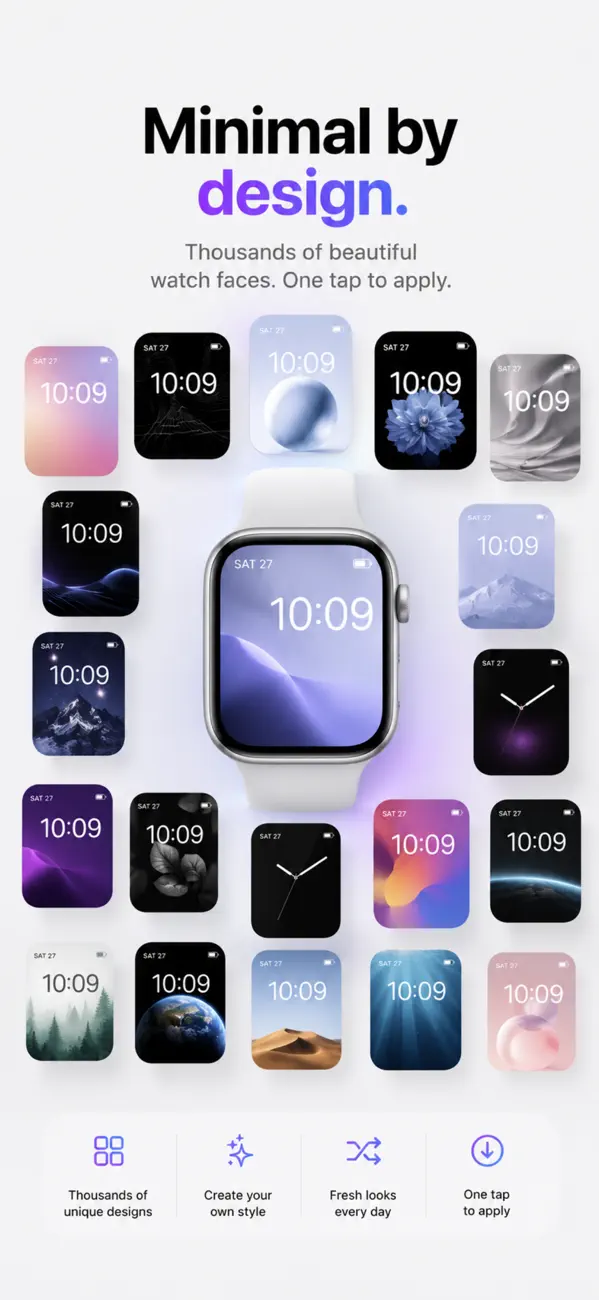
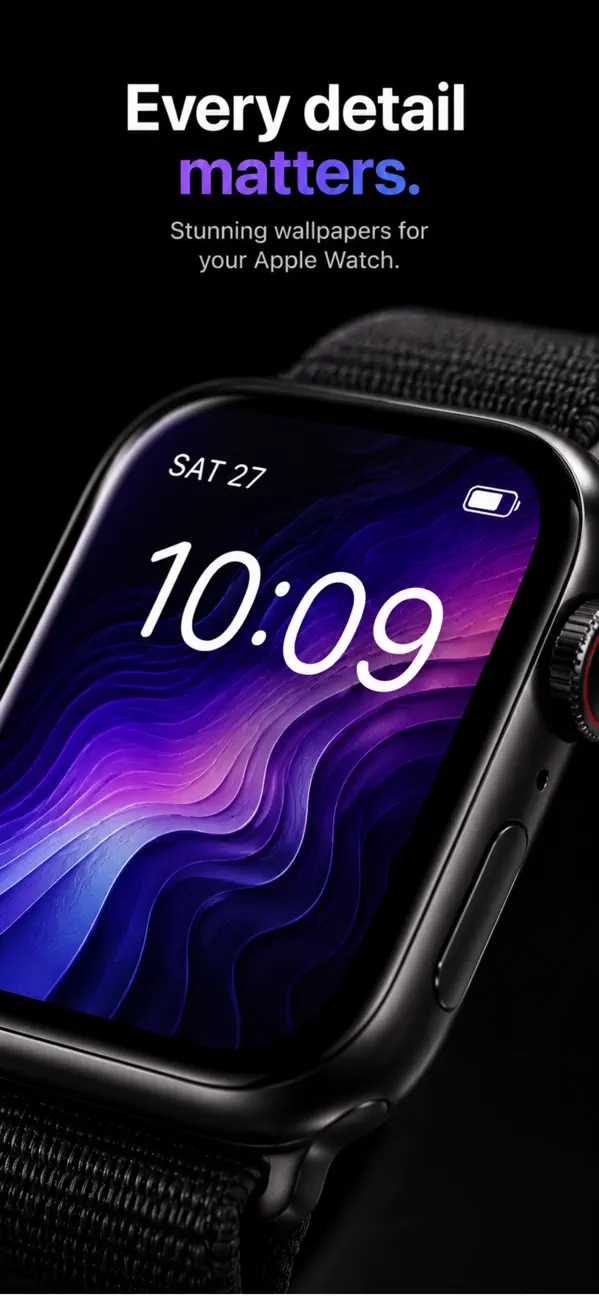

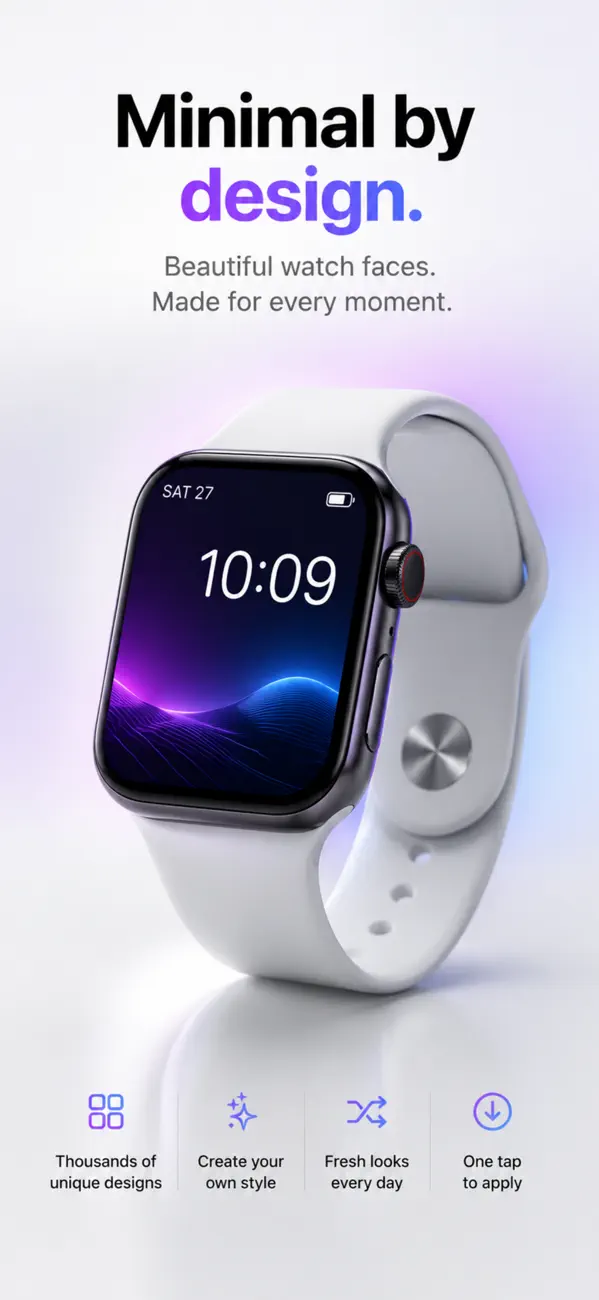
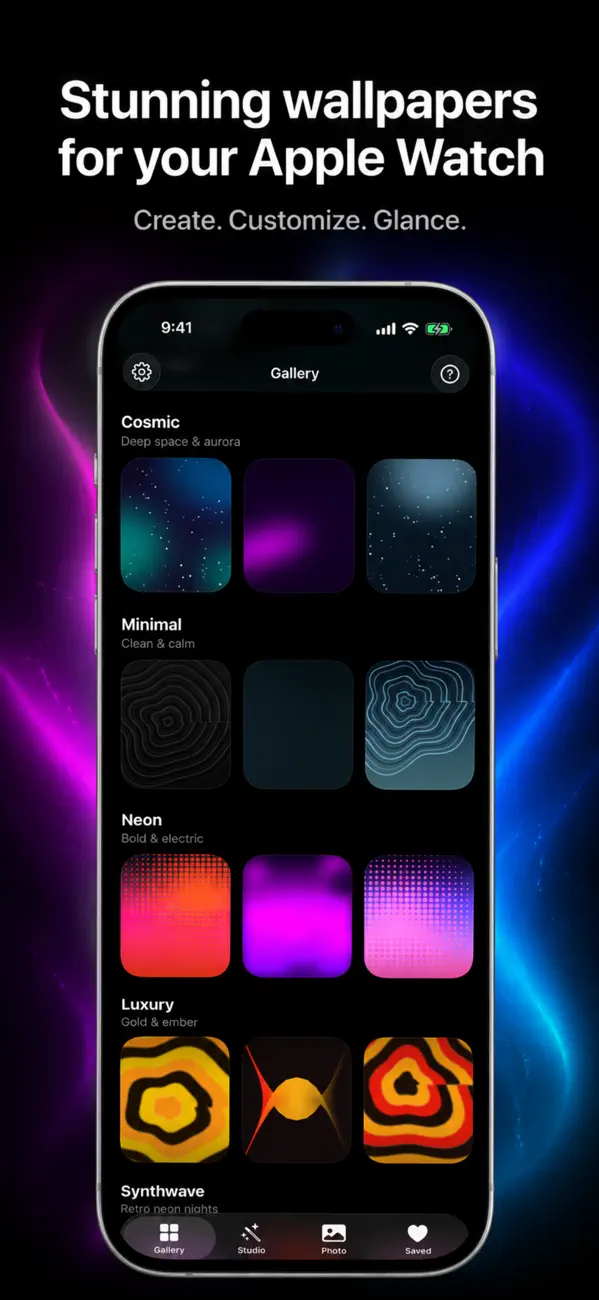
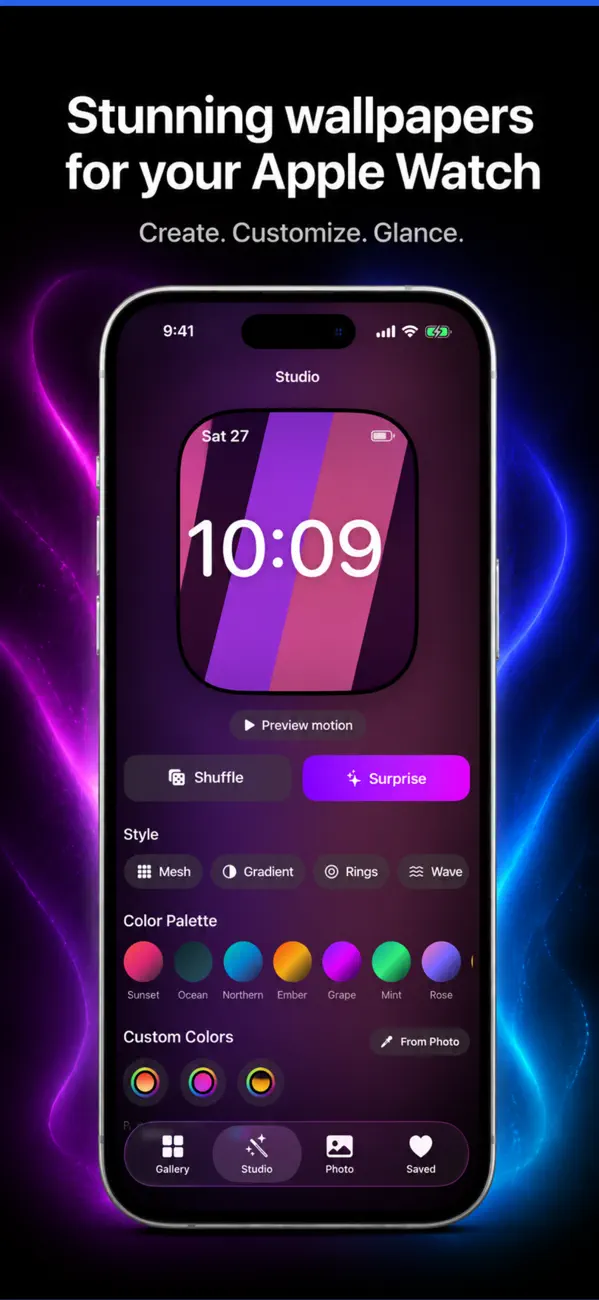
• 90 hand-crafted styles — aurora, mesh gradients, silk, nebula, glowing orbs, lens flare, coronas and many more
• Mix any two styles into one for a truly unique look
• 100+ curated color palettes, or build and save your own
• Fine-tune brightness, warmth, softness, contrast and saturation
• Shuffle for instant inspiration, then keep the ones you love
• Switch between iPhone Lock Screen and Apple Watch with a single tap
• Organize your saved wallpapers into folders
• Turn your own photos into soft, wallpaper-ready art
• Living wallpapers that gently move (Pro)
Wallpapers look simple until you try to make one that fits every iPhone. Three things decide whether yours looks sharp or wrong: resolution, safe zones, and the parallax crop that quietly eats your edges.
Match your model's native pixel dimensions or exceed them — a 1290×2796 image on a 6.7-inch iPhone is one-to-one, while anything smaller gets upscaled and looks soft.
Do not go enormously larger either. iOS downscales, and very large files consume memory without visible gain. Native resolution, or a modest multiple, is the sweet spot.
Two causes. Aspect ratio mismatch — an image that is not the same shape as the screen must be cropped to fill it. And parallax, the subtle shift as you tilt the phone, which requires iOS to hold extra image beyond the visible edges.
Keep anything important away from the outer edges, or turn off Perspective Zoom when setting the wallpaper to get a one-to-one fit.
Not the middle, and not the top. The clock and date occupy the upper third of the lock screen, widgets sit under them, and the bottom is home to shortcuts and the home indicator.
That leaves the lower-middle band as the safest area for a subject. Test with your actual lock screen before deciding — a composition that looks balanced in a photo app can be entirely hidden behind the clock.
Because contrast varies across the image. iOS applies some automatic treatment, but a busy or mid-tone area behind white text will always be marginal.
Wallpapers that read well tend to be darker and lower in detail in the upper third. That is why gradients and abstract backgrounds outperform detailed photographs for daily use.
The download is free, but Glance – Wallpaper Studio has in-app purchases. Weekly or yearly subscription with a free trial.
Glance – Wallpaper Studio runs on iPhone and iPad and requires iOS 18.0 or later.
The download size is 16 MB.
The current version is 1.6, released on 2026-10-14.
Glance – Wallpaper Studio is available in Arabic, CA, HR, CS, DA, Dutch, English, FI and more.
Glance – Wallpaper Studio is built by BIR (Build Intelligent Reality), an independent software studio founded by Birkan Aksoy. BIR has 38 apps on the App Store.
Straight answers — no app required.
All questions →


