
Vektaro is a powerful, touch-first vector design studio for iPhone and iPad. Whether you're crafting logos, icons, social media graphics, or…
Download on the App Store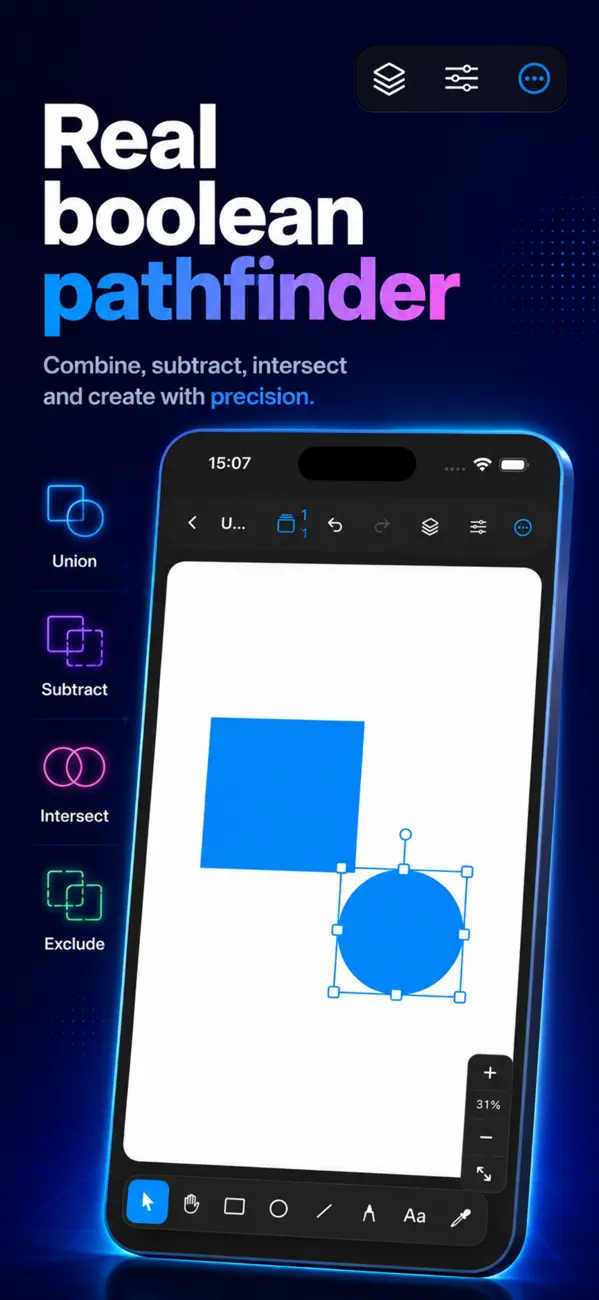

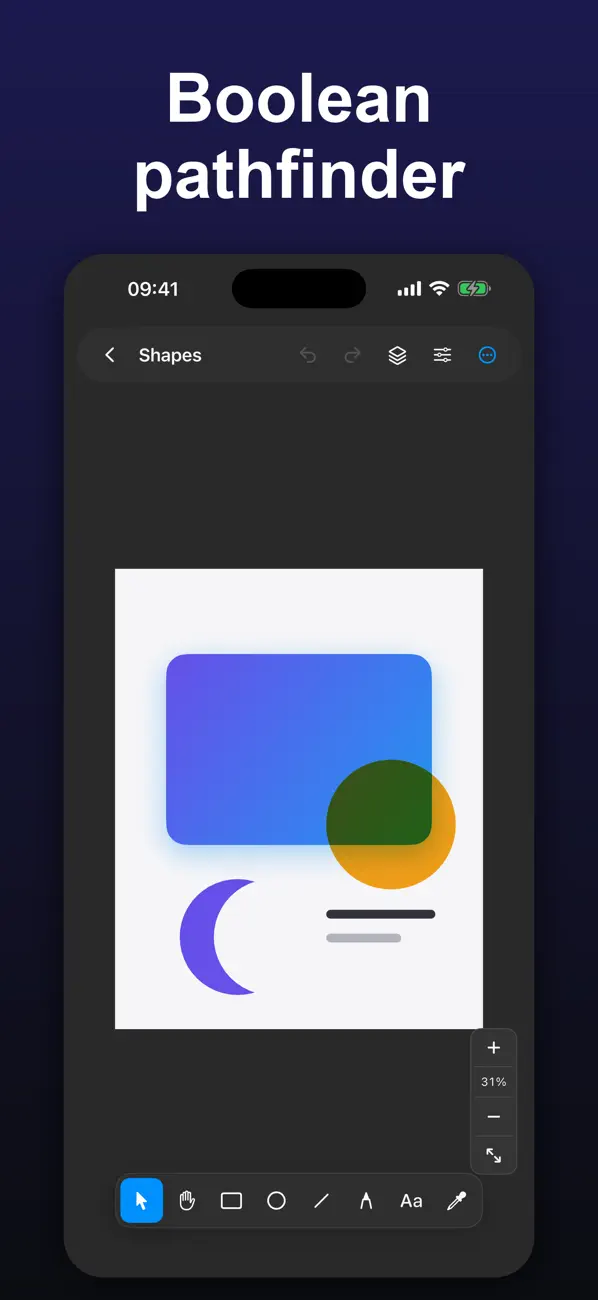
• Rectangle, ellipse, line, and free-form path tools
• Illustrator-style Bezier pen — tap for corners, drag for curves
• Full node and control-handle editing; add or remove points anytime
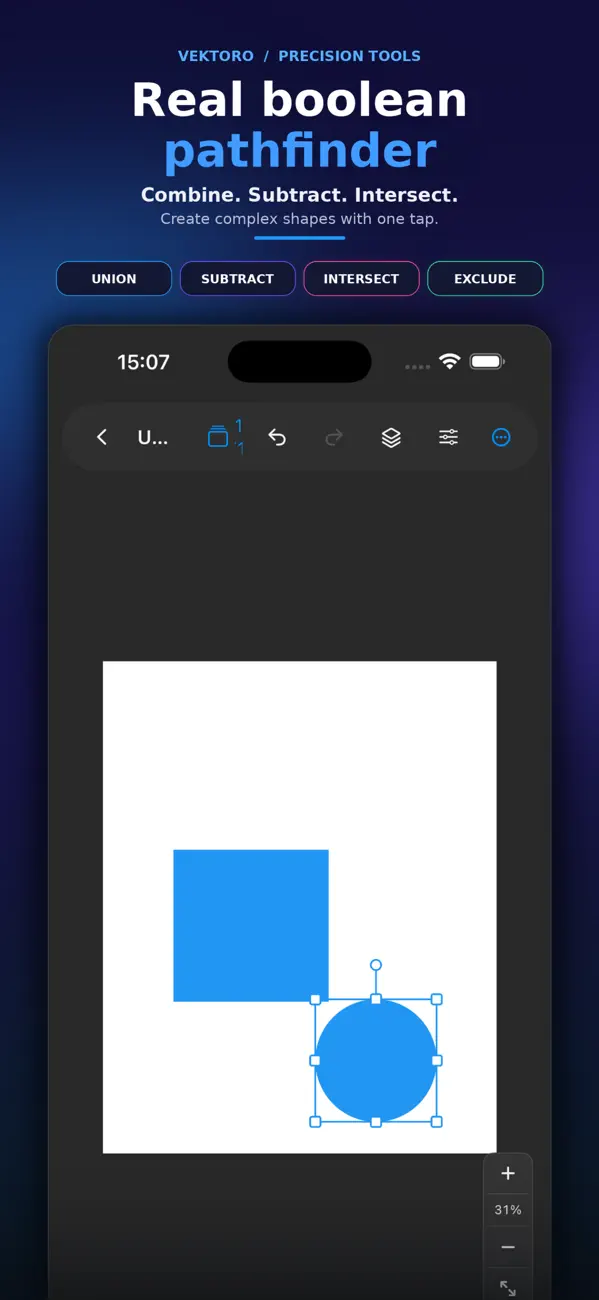
• Boolean operations: Union, Subtract, Intersect, Exclude
• True vector geometry — not pixels
• Multi-stop linear & radial gradients
• Drop shadows, 16 blend modes, dashed strokes, arrowheads
• Eyedropper and recent-color swatches
The difference between vector and raster is the difference between a recipe and a photograph of a cake. It explains file sizes, scaling, and why logos must be one and photos must be the other.
Raster images (JPEG, PNG, HEIC) are grids of pixels. Enlarge one and there is no extra information to show, so the software invents it — edges soften and blocks appear.
Vector images (SVG, PDF, AI) store mathematical descriptions: points, curves, fills. They are re-drawn at whatever size you request, so a vector logo is equally crisp on a business card and a billboard.
Because it is a raster file, whatever it is named. A PNG exported from a vector source is still pixels — the vector qualities do not survive the export.
This is why a printer asks for "the vector file" and is unimpressed by a large PNG. Keep the editable source; exports are disposable, the source is not.
Vector for anything made of shapes and text: logos, icons, illustrations, diagrams, anything that will be printed at unknown size. Raster for photographs, which have no shapes to describe.
Converting a photo to vector produces a stylised approximation, not a sharper photo. It is a creative effect, not a fix.
Usually too many anchor points. Auto-traced artwork can contain thousands of nodes where a hand-drawn version would use dozens, and every node is text in the file.
Embedded raster images inside an SVG are the other culprit — that defeats the point entirely, since you now have a pixel image wrapped in vector packaging.
Vektaro is a paid app priced at $34.99 on the App Store — a one-time purchase, not a subscription.
Vektaro runs on iPhone and iPad and requires iOS 17.0 or later.
The download size is 5 MB.
The current version is 1.4, released on 2026-11-04.
Vektaro is available in English.
Vektaro is built by BIR (Build Intelligent Reality), an independent software studio founded by Birkan Aksoy. BIR has 38 apps on the App Store.
Straight answers — no app required.


