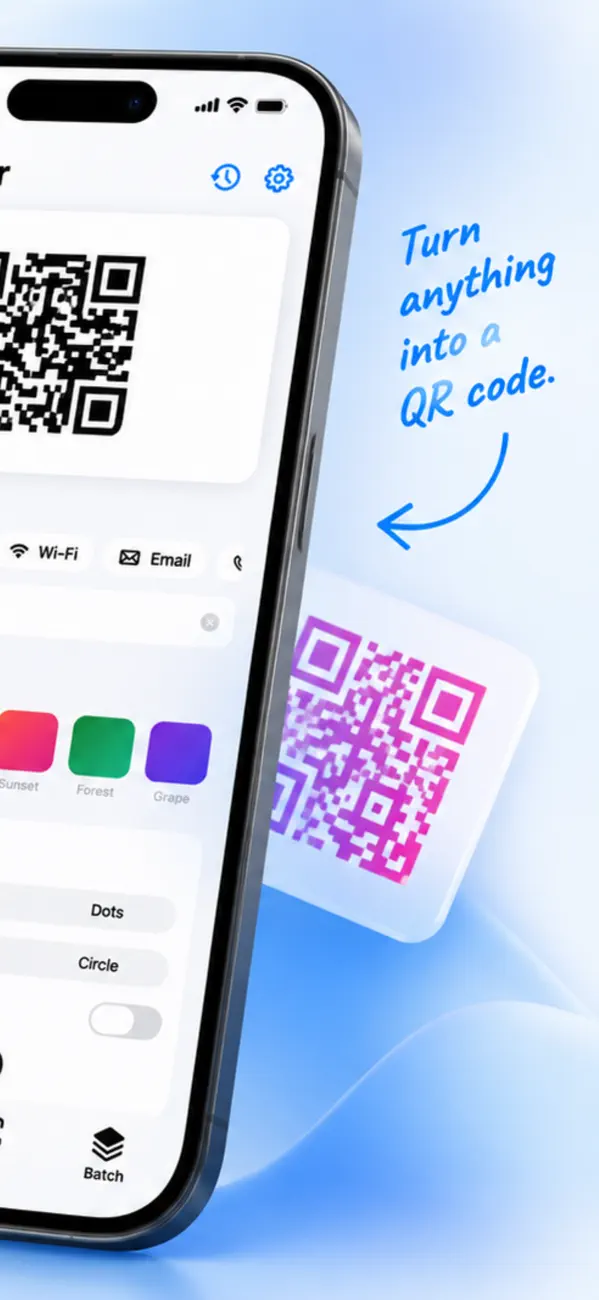
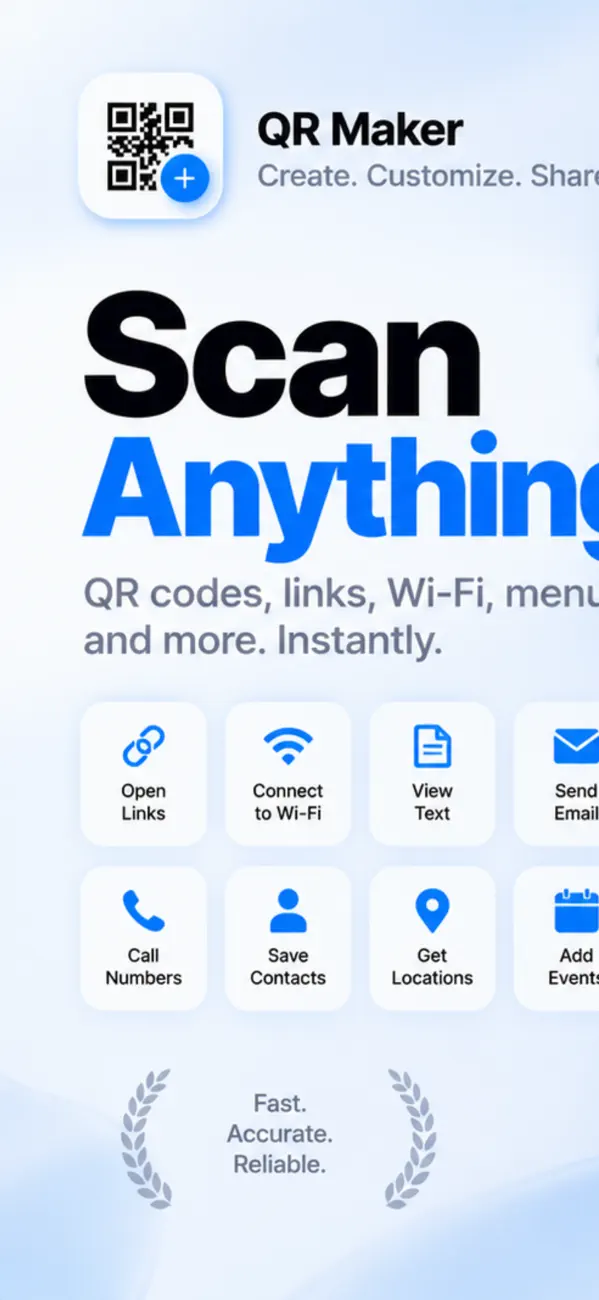
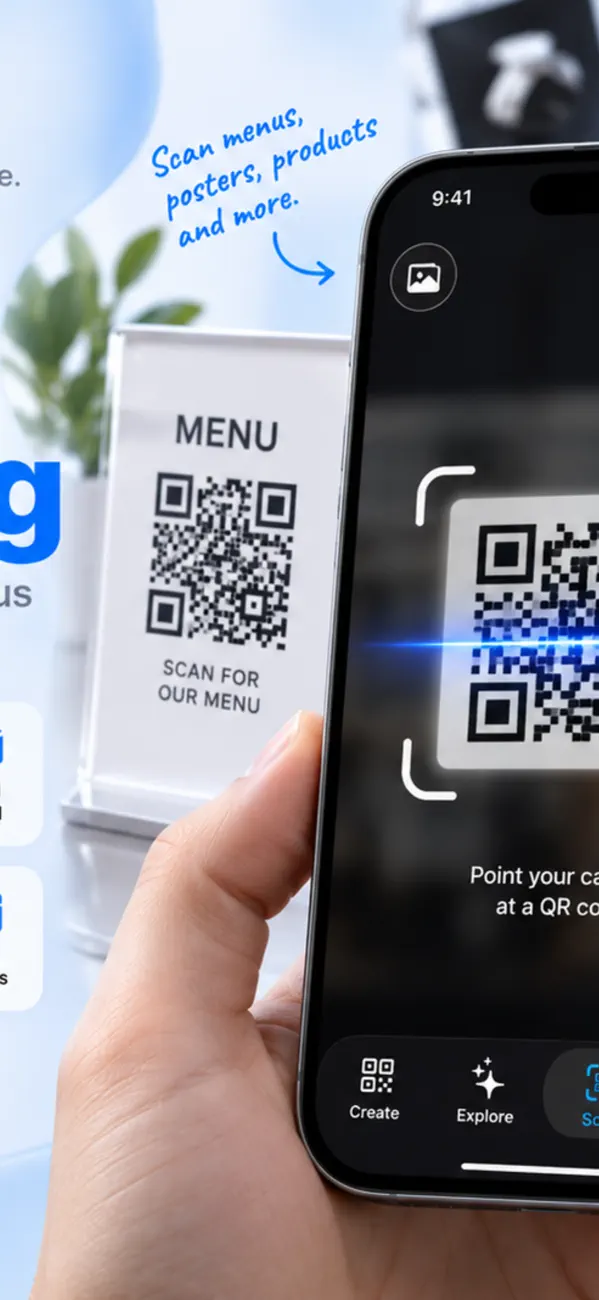
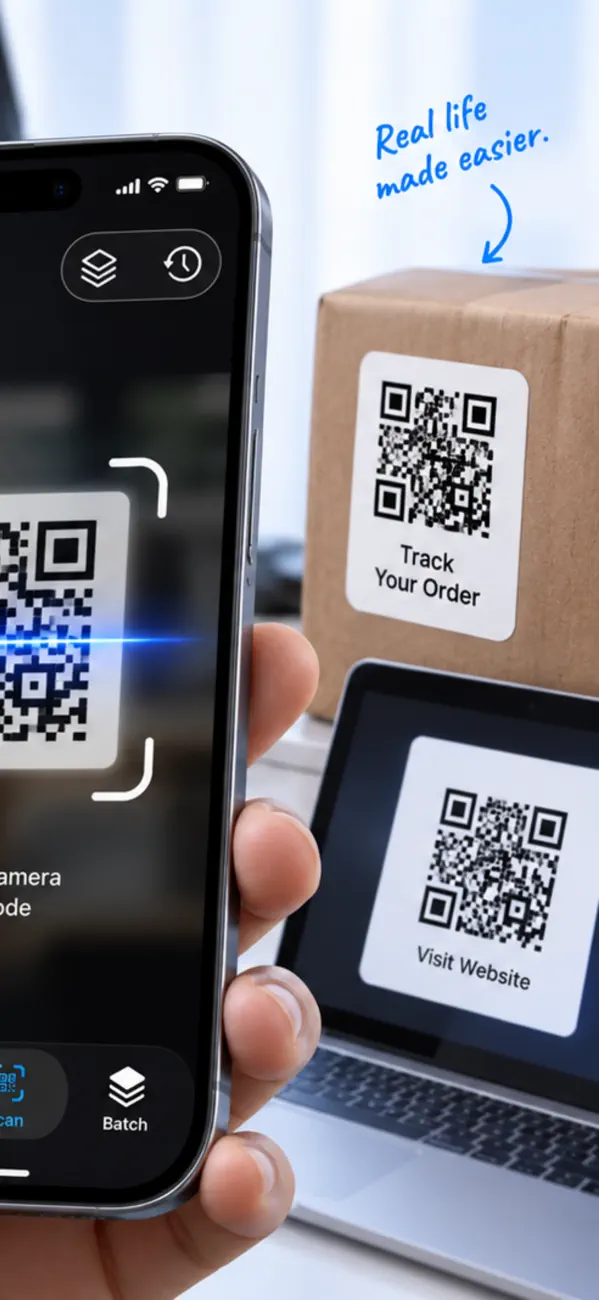
QR Maker is the all-in-one QR code toolkit for iPhone — create, customize, scan and share QR codes in seconds. Everything runs on your device, with no…
Download on the App Store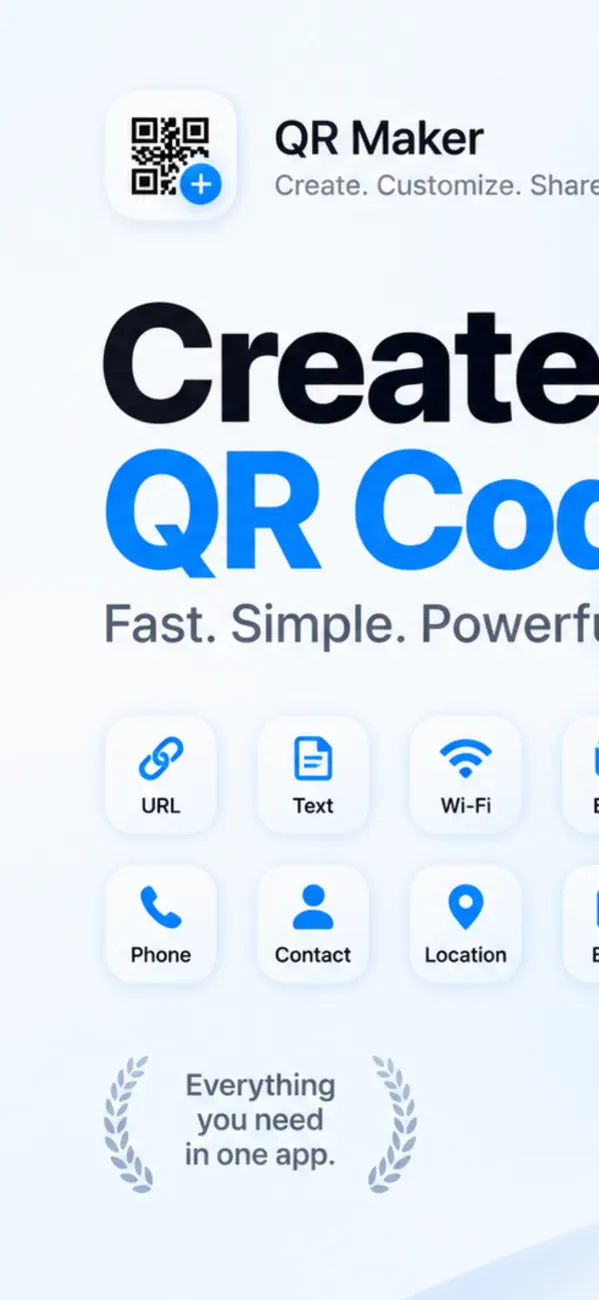

• The full QR Maker, native on your Mac
• New seasonal template packs — holidays, sales, birthdays
• Branded bulk: color, gradient and logo on every code
• Pay by QR: SEPA bank transfers and PIX
• Link-in-bio pages: one dynamic QR, many links
• Scan barcodes too, with link-safety checks
• Change where your QR code points anytime — no reprinting
• Track scans, countries and trends with built-in analytics
QR codes are simple to make and easy to make badly. Three things decide whether yours scans reliably: what you put in it, how big you print it, and whether you can change it later.
A static QR code never expires — the data is encoded in the pattern itself, so it works forever with no server involved. What expires is the destination: if the URL inside it dies, the code leads nowhere.
Codes that "expire" are dynamic ones, which encode a short redirect URL owned by a service. Convenient, but if that service shuts down or starts charging, every code you printed stops working.
Usually size or contrast. As a rule of thumb the code needs to be about a tenth of the scanning distance — a code read from two metres wants to be around 20 cm across.
The other classic mistakes: no quiet zone (codes need clear white margin around them), inverted colours (dark background with light pattern breaks many scanners), and cramming so much data in that the pattern becomes too dense to resolve.
Technically thousands of characters, practically far fewer. Every extra character adds modules, and a dense code needs to be printed larger and scanned closer to work.
Keep URLs short. A long link with tracking parameters produces a visibly busier code than a clean one pointing at the same page.
The code itself cannot do anything — it is just text. The risk is what the text points to, and you cannot see that before scanning. Fake codes stuck over real ones on parking meters and restaurant tables are a common scam.
iOS shows the URL before opening it. Read it. If a code on a physical surface looks like a sticker placed over something else, do not scan it.
QR Maker – Code Generator is a paid app priced at $12.49 on the App Store — a one-time purchase, not a subscription.
QR Maker – Code Generator runs on iPhone and iPad and requires iOS 17.0 or later.
The download size is 5 MB.
The current version is 1.8, released on 2026-11-04.
QR Maker – Code Generator is available in English, French, German, Italian, Japanese, Portuguese, Chinese, Spanish and more.
QR Maker – Code Generator is built by BIR (Build Intelligent Reality), an independent software studio founded by Birkan Aksoy. BIR has 38 apps on the App Store.
Straight answers — no app required.
All questions →