Universal Speed Test is the fastest, cleanest way to measure your internet — on iPhone, iPad and Apple Watch.
Download on the App Store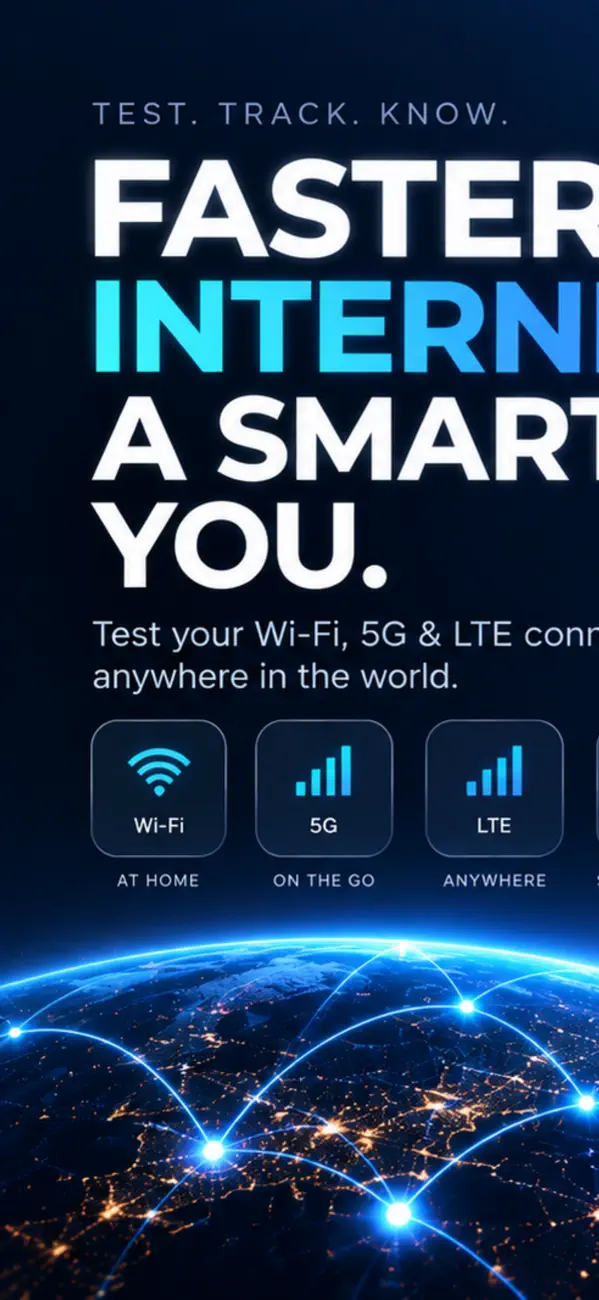
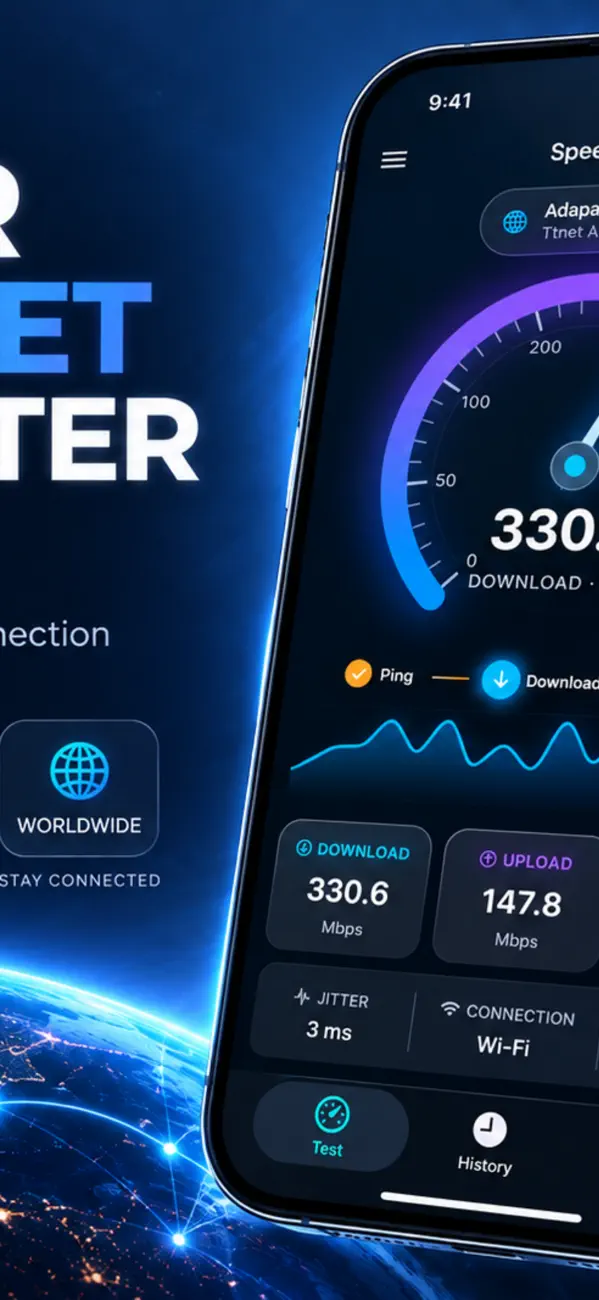
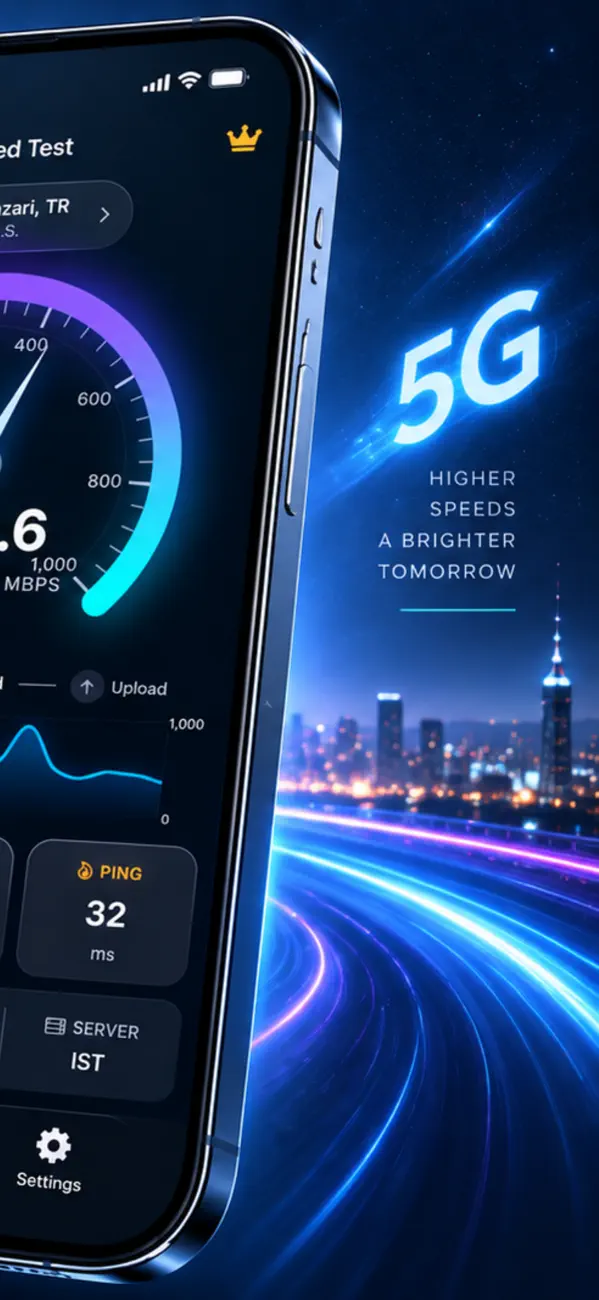
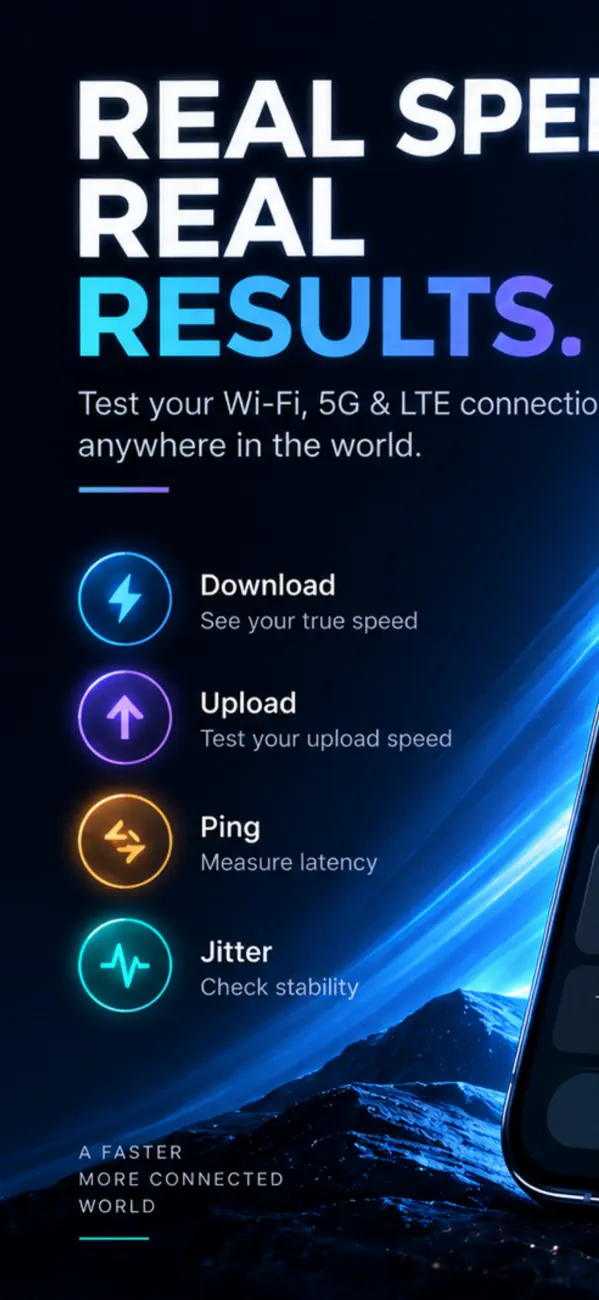
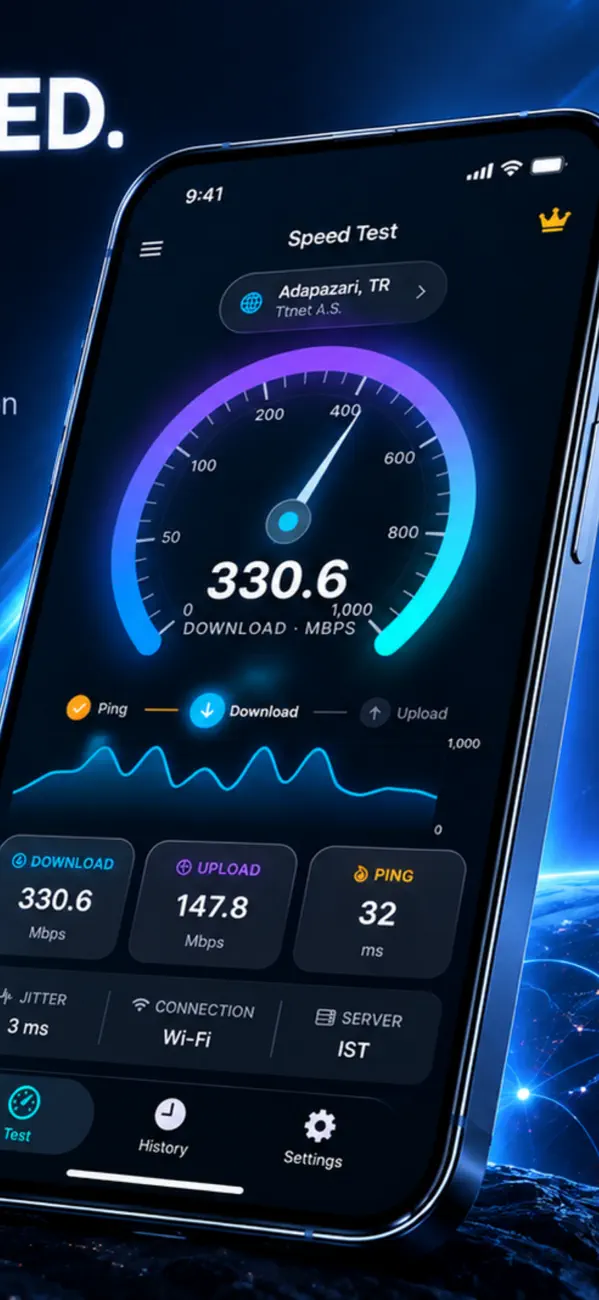
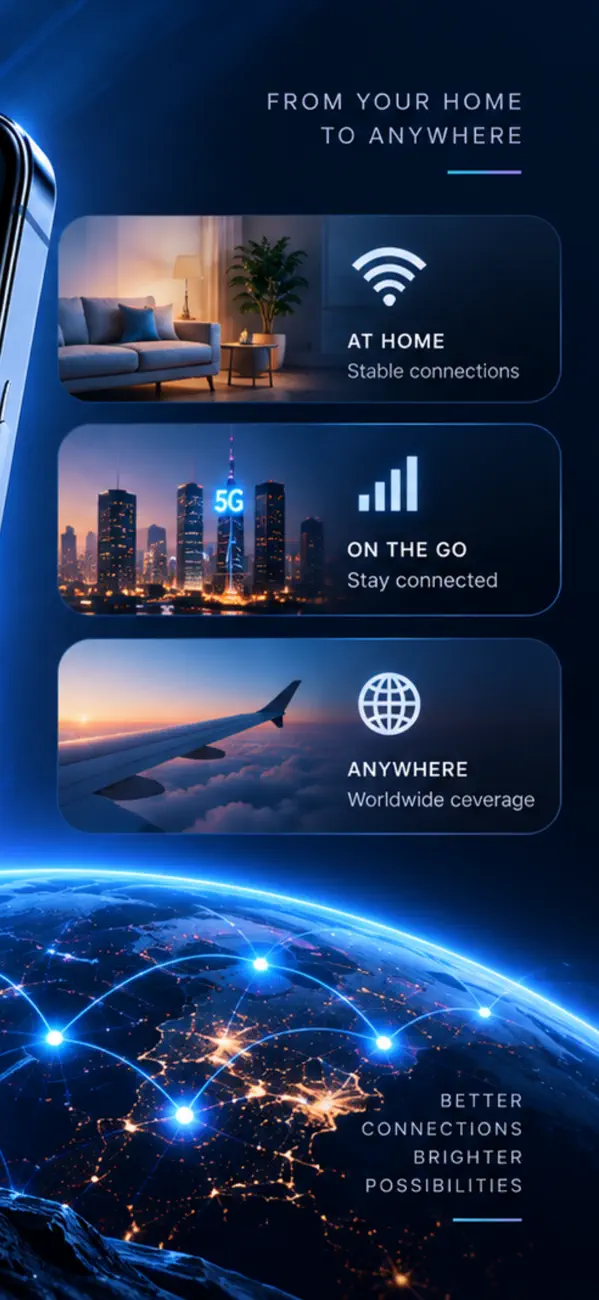
Tap once and watch a beautiful speedometer measure your download, upload, ping and jitter in seconds, powered by a global server network. Then get a clear quality grade and find out what your connection can really do.
• Beautiful, accurate gauge for download & upload speed (Mbps)
• Ping, jitter and latency-under-load — the numbers that actually affect calls and games
• Bufferbloat & responsiveness (RPM) grades most apps don't show
• "What you can do" ratings: 4K streaming, gaming, video calls, cloud backup and more
• See your real ISP and location on every test
• How your speed compares — from basic broadband to gigabit
• Every test saved automatically with a clean chart
• Weekly trends, your best and average, and connection stability
A speed test gives you three numbers, and most people only look at one of them. The other two explain nearly every problem people actually complain about.
Download is how fast data reaches you — it governs streaming and page loads. Upload is the reverse, and it decides how you look and sound on a video call. Ping (latency) is the round-trip delay in milliseconds.
High download with high ping still feels slow, because every request waits before the fast part begins. That combination is the most common cause of "my internet is fast but the internet is slow".
Jitter is the variation in ping. A steady 40 ms is fine; a connection bouncing between 20 ms and 200 ms is not, even though its average looks acceptable.
Voice and video need packets to arrive evenly spaced. When they do not, the app either waits (delay) or drops them (robotic audio, frozen frames). If calls break up while speed tests look good, jitter is almost always the culprit.
Less than most plans sell you. HD video streaming needs roughly 5 Mbps, 4K around 25 Mbps, and a video call about 3 Mbps in each direction. A 1 Gbps plan does not make a single stream faster — it lets more devices do those things at once.
If one 4K stream struggles on a fast plan, the bottleneck is your wifi or your latency, not the line into the building.
The plan speed is measured at the router. Everything after that is physics: distance, walls, and interference from neighbouring networks. The 5 GHz band is much faster but stops at walls; 2.4 GHz travels further and is far more congested.
Test next to the router first. If that matches your plan and a distant room does not, the problem is coverage, and no amount of complaining to the provider will fix it.
Test more than once, at different times of day — evening congestion is real and it is when you actually use the connection. Pause downloads and other devices, or you are measuring what is left over rather than what is available.
Compare wifi against cellular too. If both are slow in the same place, the problem is not your router.
The download is free, but Universal Speed Test has in-app purchases. Universal Speed Test also offers in-app purchases; the App Store listing has the current terms.
Universal Speed Test runs on iPhone and iPad and requires iOS 17.0 or later.
The download size is 8 MB.
The current version is 1.3, released on 2026-10-14.
Universal Speed Test is available in Arabic, Dutch, English, French, German, Italian, Japanese, Korean and more.
Universal Speed Test is built by BIR (Build Intelligent Reality), an independent software studio founded by Birkan Aksoy. BIR has 38 apps on the App Store.
Straight answers — no app required.