Universal Remote TV+ turns your iPhone into a true universal remote for virtually every Smart TV on the market — Samsung, LG, Sony, Roku, TCL, Hisense…
Download on the App Store


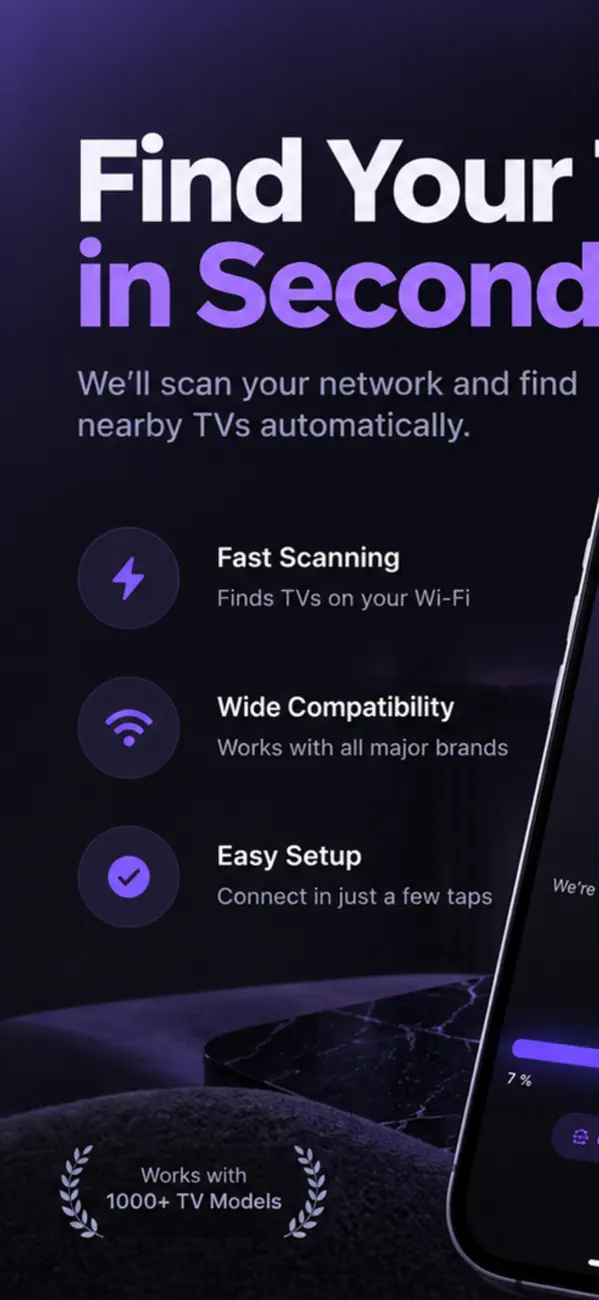


• Samsung Tizen (2016+) — automatic pairing
• LG webOS (3.0+) — secure handshake
• Sony Bravia — Pre-Shared Key auto-flow
• Roku TVs (TCL, Hisense, Sharp, Insignia, Onn, Philips, Element, RCA, JVC, Sanyo)
• Vizio SmartCast — 4-digit PIN pairing
• Panasonic Viera — TVRC protocol
• Philips JointSpace — REST API
• Sharp Aquos Net+ — Digest auth
• Xiaomi / Mi / Redmi Global — Wireless pairing v2
• NVIDIA Shield TV / Pro
Whether your phone can replace a TV remote depends on one thing: how the TV listens. Get that right and setup takes a minute; get it wrong and nothing will ever pair.
Only over the network. Old remotes use infrared, and no iPhone has ever shipped with an IR blaster, so an app cannot emulate one — anything claiming otherwise needs an external dongle.
Smart TVs from roughly 2015 onward accept commands over wifi instead. That is what remote apps use, and it is why the TV and the phone must be on the same network.
Nine times out of ten the phone is on a different network from the TV — often the 5 GHz band while the TV is on 2.4 GHz, or a guest network that isolates clients from each other.
Check that both show the same network name, turn off any VPN on the phone, and make sure the TV is actually on rather than in standby. Some models disable their network listener entirely when sleeping.
Yes. Discovery works by broadcasting on the local network, and routers deliberately block that between networks. Guest networks and client isolation exist precisely to stop devices seeing each other.
If you cannot move either device, some TVs allow entering the IP address manually — check the TV's network settings for its address.
Typing, mainly. Entering a password or search term with a directional pad is miserable; a phone keyboard makes it trivial. Multiple TVs in one app and never hunting for a lost remote are the other real wins.
What it cannot do is turn on a TV that has fully powered down — the network chip is off too, so nothing can receive the command.
The download is free, but Universal Remote TV+ has in-app purchases. Premium starts at $4.99/week or $29.99/year. Lifetime unlock available for $49.99.
Universal Remote TV+ runs on iPhone and iPad and requires iOS 26.4 or later.
The download size is 16 MB.
The current version is 2.0, released on 2026-10-22.
Universal Remote TV+ is available in English, French, German, Japanese, Portuguese, Spanish, Turkish.
Universal Remote TV+ is built by BIR (Build Intelligent Reality), an independent software studio founded by Birkan Aksoy. BIR has 38 apps on the App Store.
Straight answers — no app required.