
Voice Studio Pro — the studio-quality voice recorder for iPhone, iPad, and Apple Watch. 100% free. No ads. No subscriptions. Ever.
Download on the App Store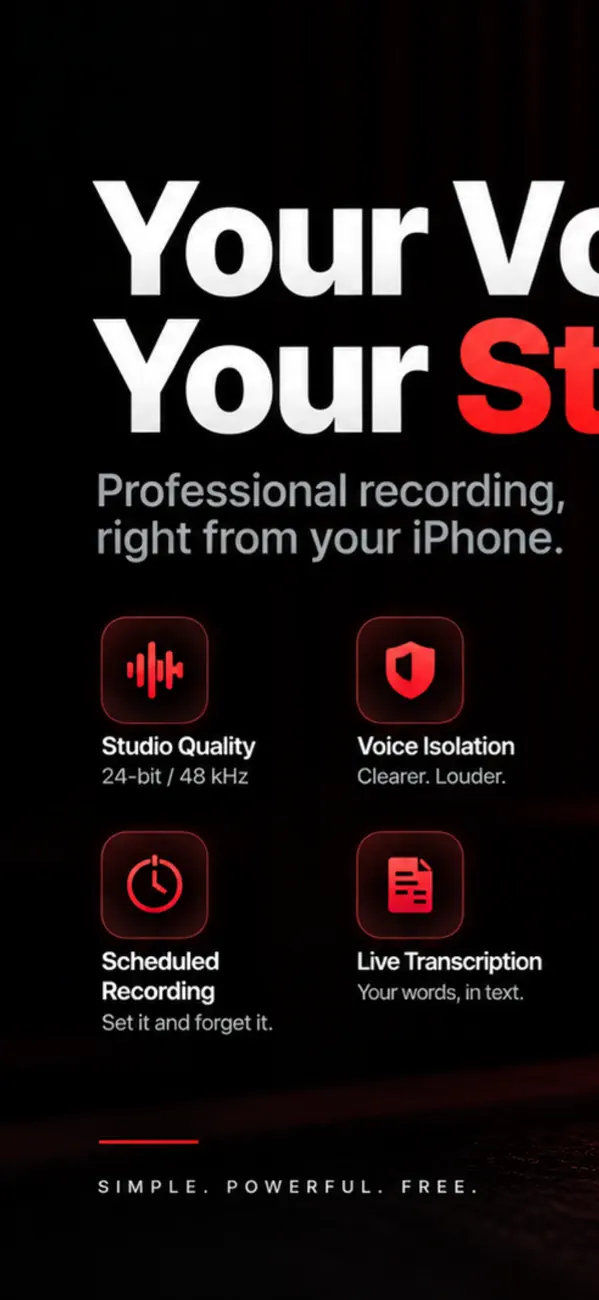
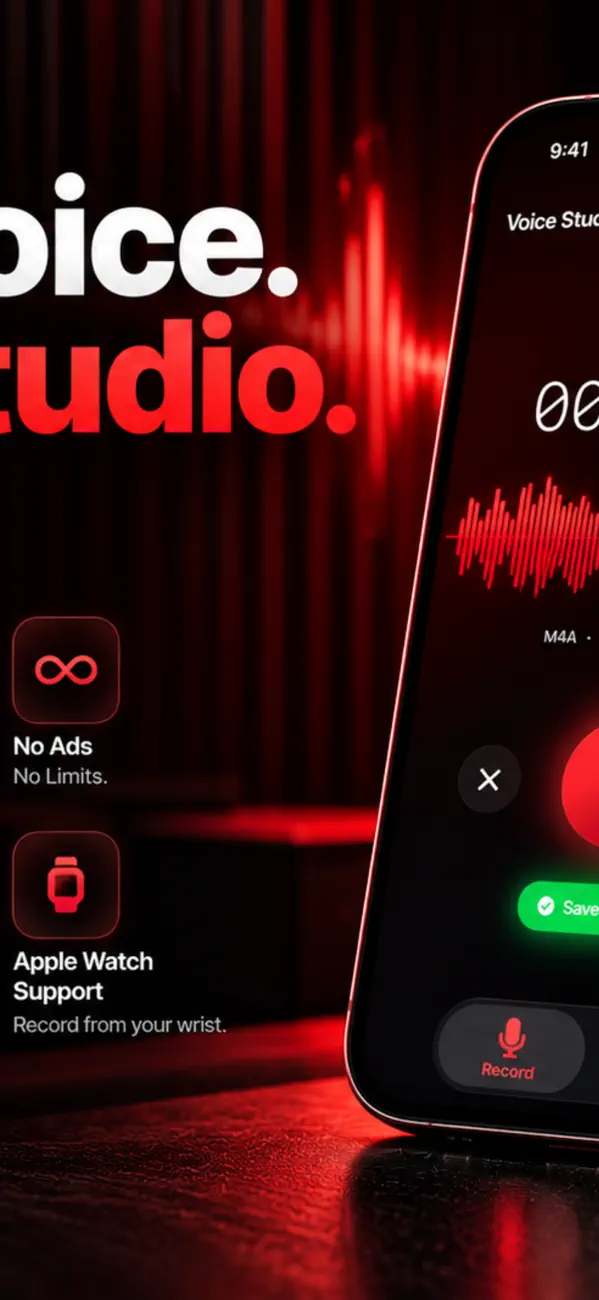
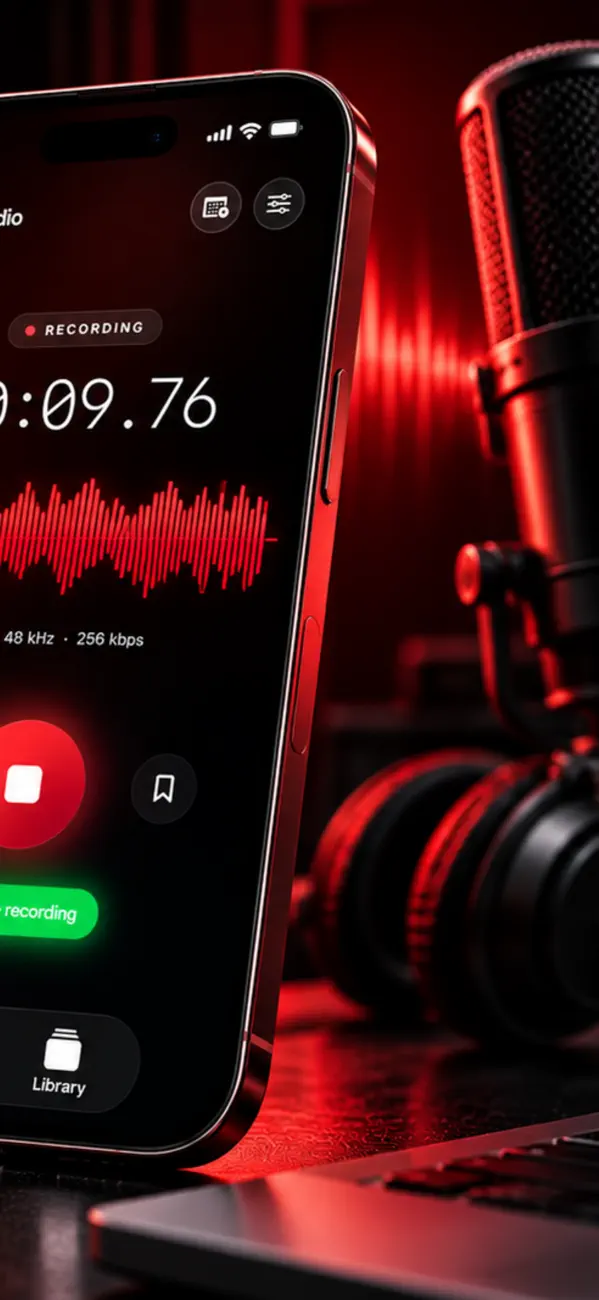
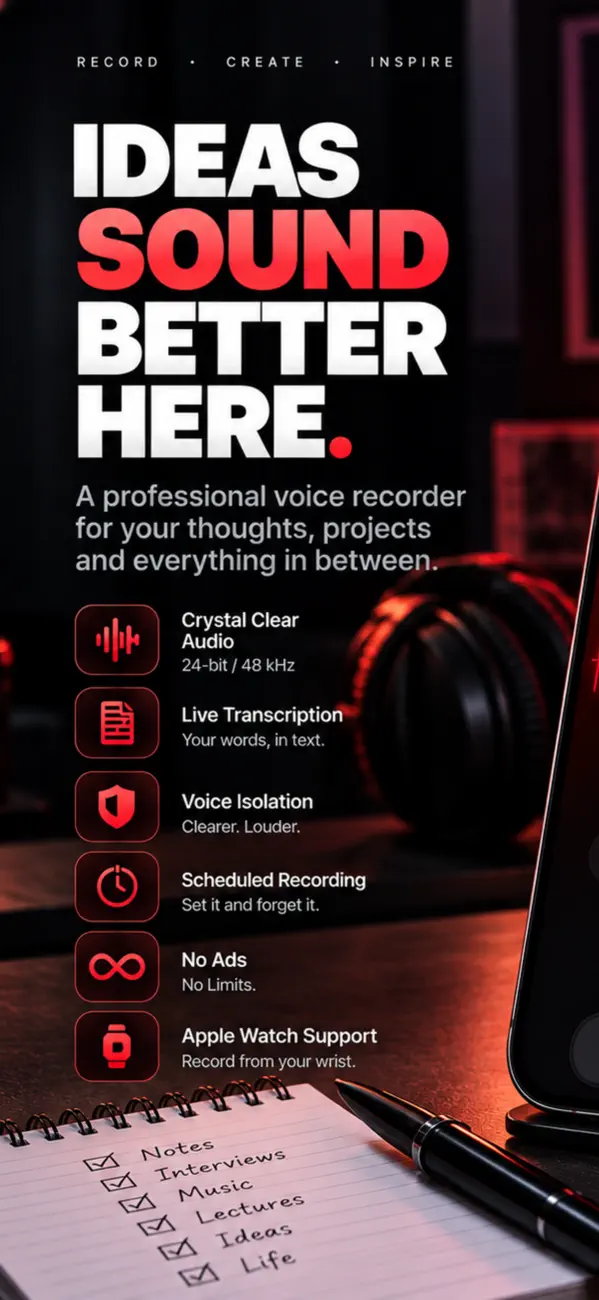
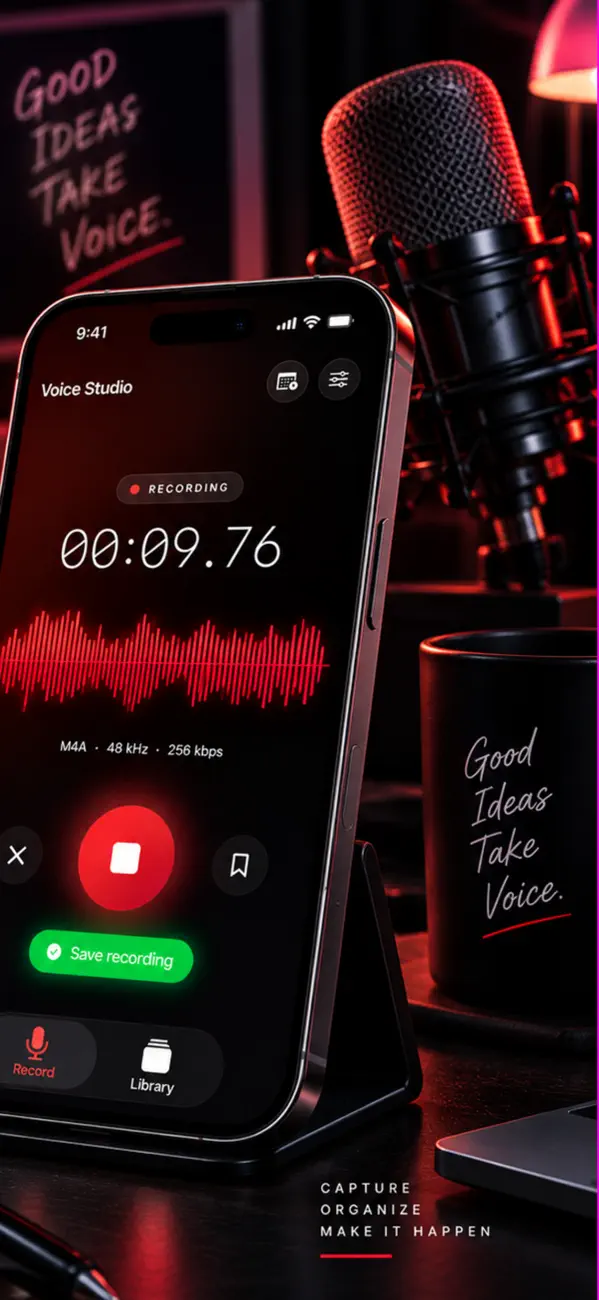

Perfect for interviews, podcasts, lectures, meetings, dictation, songwriting, voice notes, and ringtones.
• Lossless WAV up to 48 kHz / 24-bit
• M4A up to 320 kbps
• Voice Isolation to strip out room noise
• Background recording — lock your screen, keep recording
• Live waveform with real-time levels
• Voice activation — auto-pause silence
• Folders, tags, bookmarks, and full search
• Recently Deleted for 30 days
Most bad phone recordings are fixable, and almost none of the fixes involve buying equipment. Distance, room and levels decide the result long before software touches it.
Distance does more than anything else. Sound falls off with the square of distance, so halving the gap between mouth and microphone roughly quadruples the level of your voice relative to the room. Twenty centimetres is a good target.
Second is the room. Soft furnishings absorb reflections; bare walls and glass create the echo that makes recordings sound amateur. Recording in a room with a rug, curtains and a sofa beats any microphone in a kitchen.
For voice, 44.1 kHz is already more than enough — higher rates capture frequencies above human hearing and just make files bigger. For music or anything you will edit heavily, higher rates give processing headroom.
Record lossless (WAV or Apple Lossless) if the file will be edited, because every lossy encode compounds. Export to AAC or MP3 at the end, once.
That is room reflection, not a microphone fault. Your ears filter out echo in real time; a microphone does not, so a room that sounds fine live sounds cavernous when recorded.
Move closer, and put something soft behind the microphone and behind you. Recording facing a bookshelf or a curtain rather than a bare wall makes an audible difference with no spending.
Clipping happens when the input exceeds what the converter can represent, and the waveform is flattened at the peaks. It sounds like harsh crackling on loud words.
It cannot be repaired properly — the data is gone, not quiet. Prevent it instead: aim for peaks around -6 dB, leaving headroom for the moments you get louder than you expect. Quiet and clean can be raised later; clipped cannot be un-clipped.
Voice Studio Pro is a paid app priced at $24.99 on the App Store — a one-time purchase, not a subscription.
Voice Studio Pro runs on iPhone and iPad and requires iOS 18.0 or later.
The download size is 6 MB.
The current version is 1.8, released on 2026-10-05.
Voice Studio Pro is available in Arabic, English, French, German, Italian, Japanese, Korean, Portuguese and more.
Voice Studio Pro is built by BIR (Build Intelligent Reality), an independent software studio founded by Birkan Aksoy. BIR has 38 apps on the App Store.
Straight answers — no app required.
All questions →


