
The fastest way to turn video into MP3 — right on your iPhone.
Download on the App Store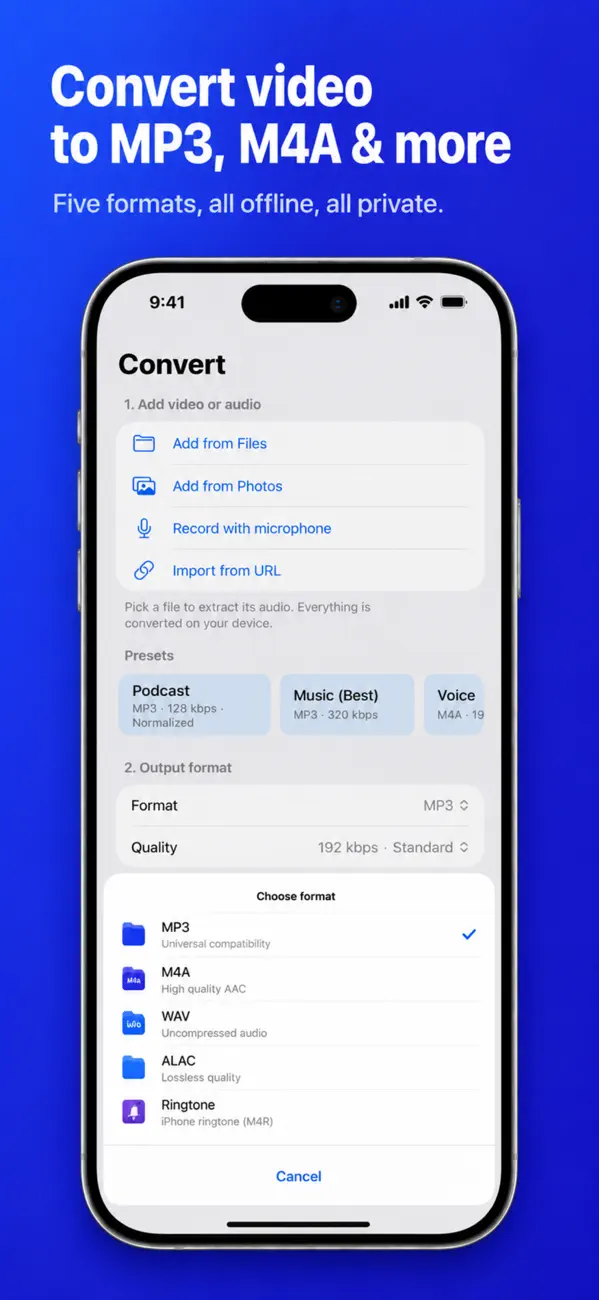
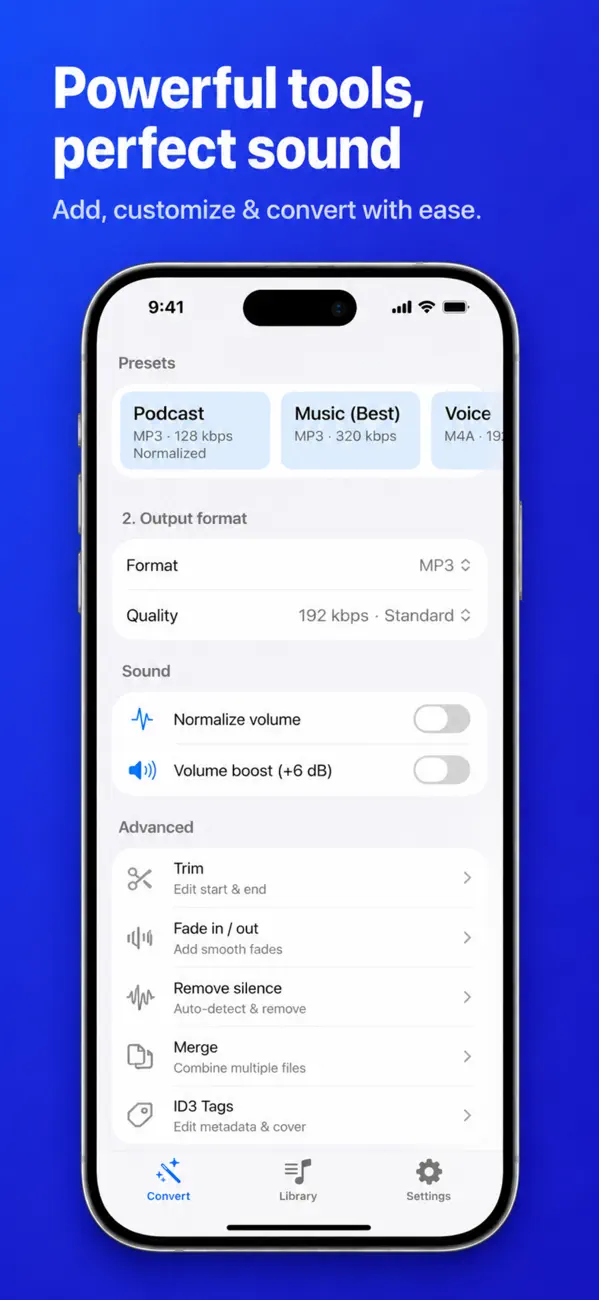
Drop in any video or audio file and get MP3, M4A, WAV, lossless ALAC, or an iPhone ringtone. Everything runs on your device. No account. No uploads. No tracking.
• Convert MP4, MOV, MKV, WebM, M4V, HEVC and more to MP3, M4A, WAV, ALAC, AAC or a ringtone
• Extract audio from any video with one tap
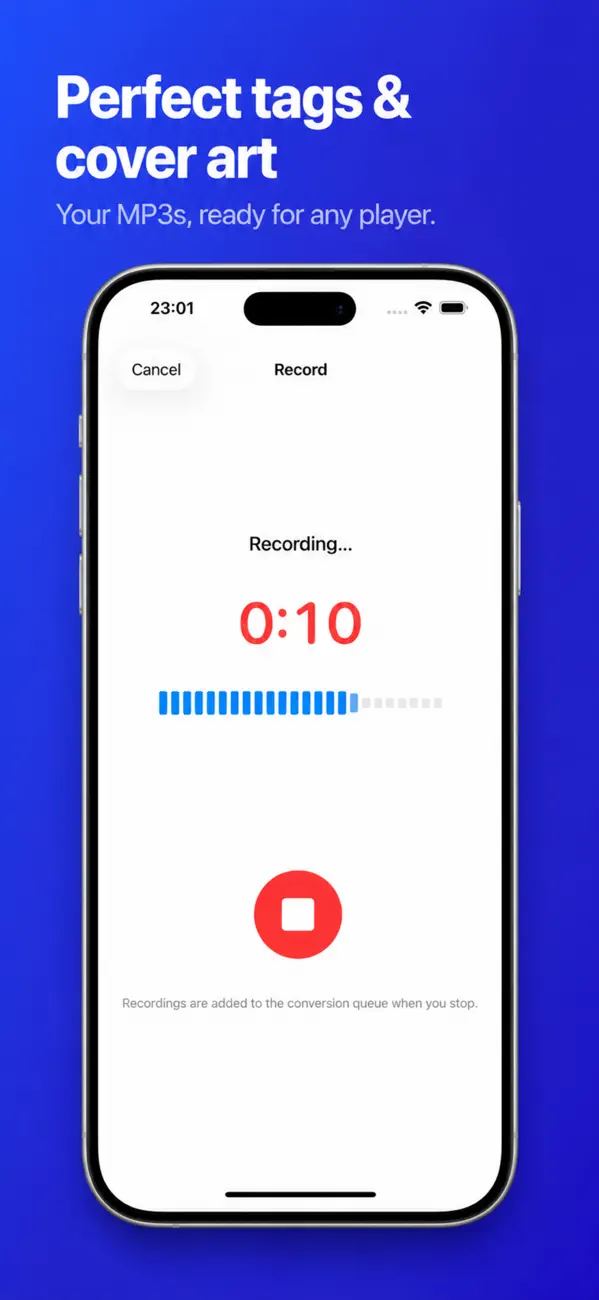
• Record with the microphone or import from Voice Memos
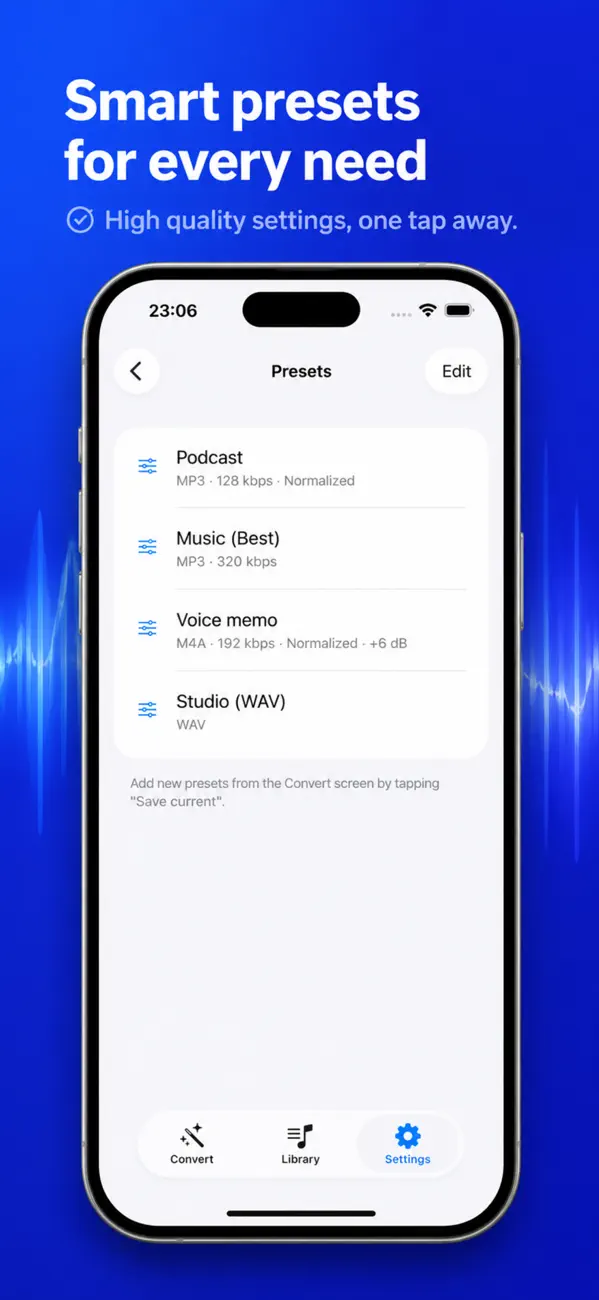
• Trim, fade, boost, normalize and mix files
• Edit ID3 tags — title, artist, album, cover art
• Detect and manage chapters — split by chapters
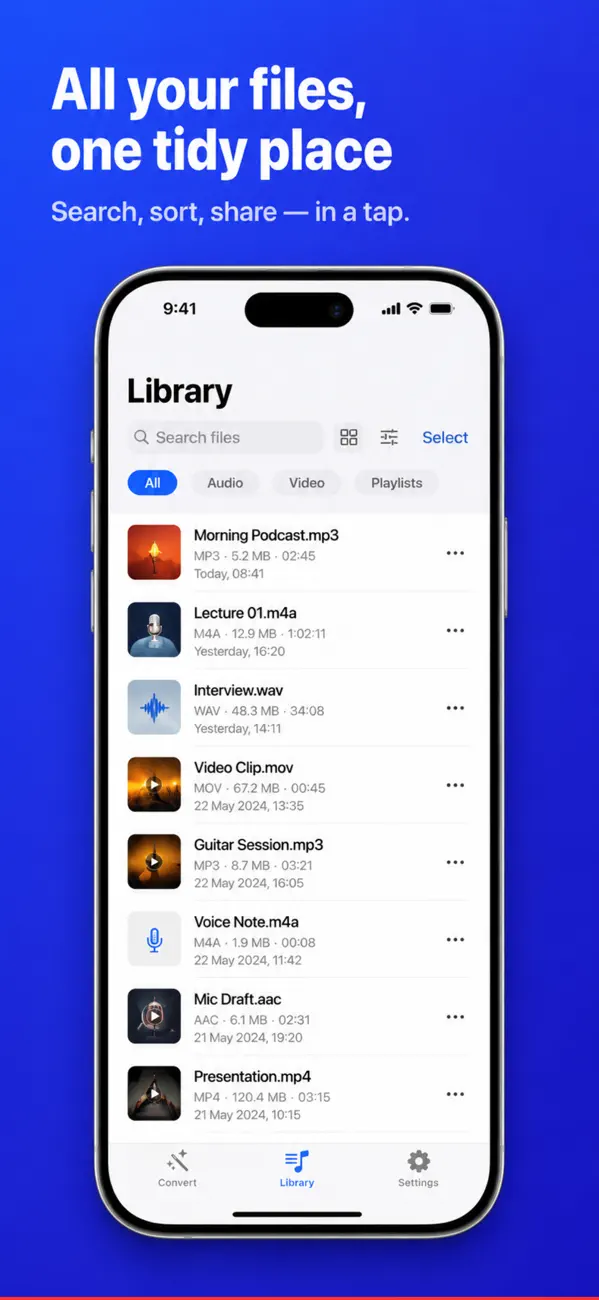
• Live waveform, playlists, bookmarks, iCloud sync
• Transcribe audio to text (SRT/VTT) on-device
• Batch actions: convert, tag, rename, share
Yes. Convertor - MP3 & Audio is a free download on the App Store.
Convertor - MP3 & Audio runs on iPhone and iPad and requires iOS 17.0 or later.
The download size is 5 MB.
The current version is 1.5, released on 2026-08-19.
Convertor - MP3 & Audio is available in Arabic, English, French, German, Italian, Japanese, Korean, Chinese and more.
Convertor - MP3 & Audio is built by BIR (Build Intelligent Reality), an independent software studio founded by Birkan Aksoy. BIR has 44 apps on the App Store.


