
Glass Notes is the most elegant way to capture your thoughts — built around Apple's Liquid Glass design.
Download on the App Store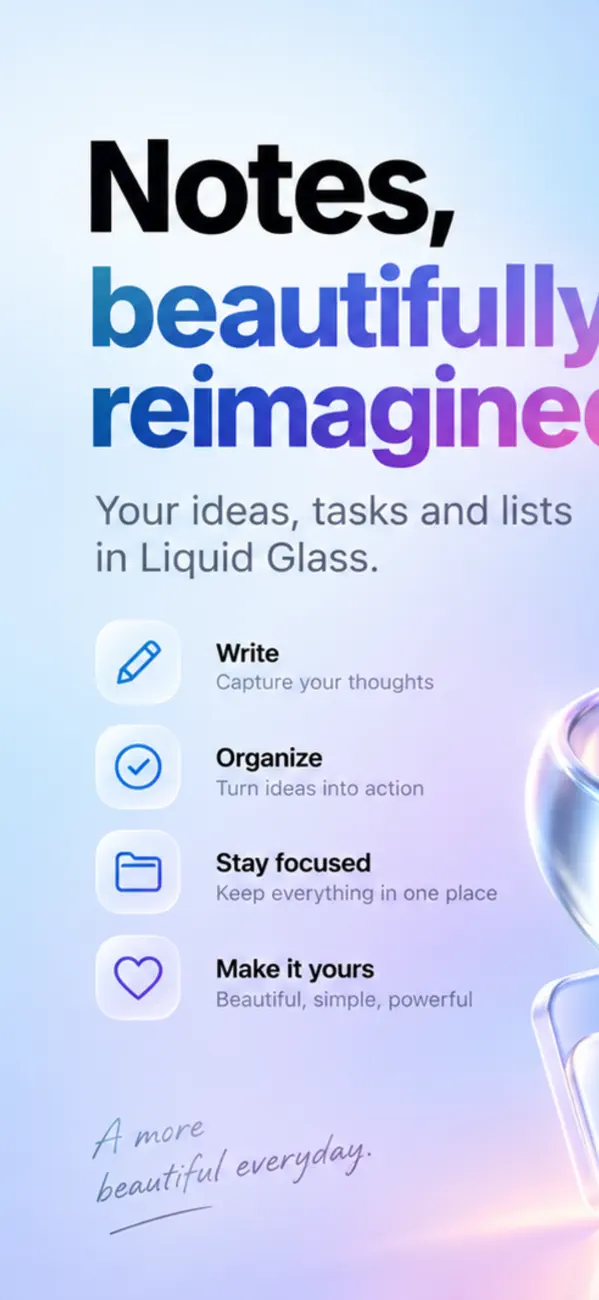
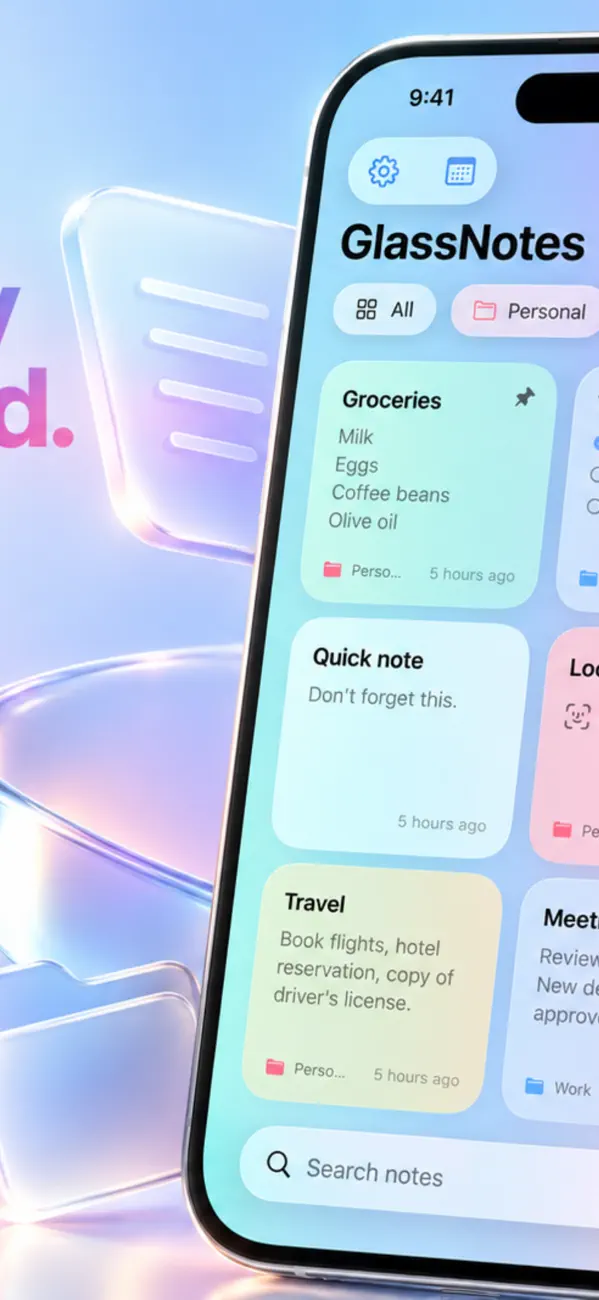
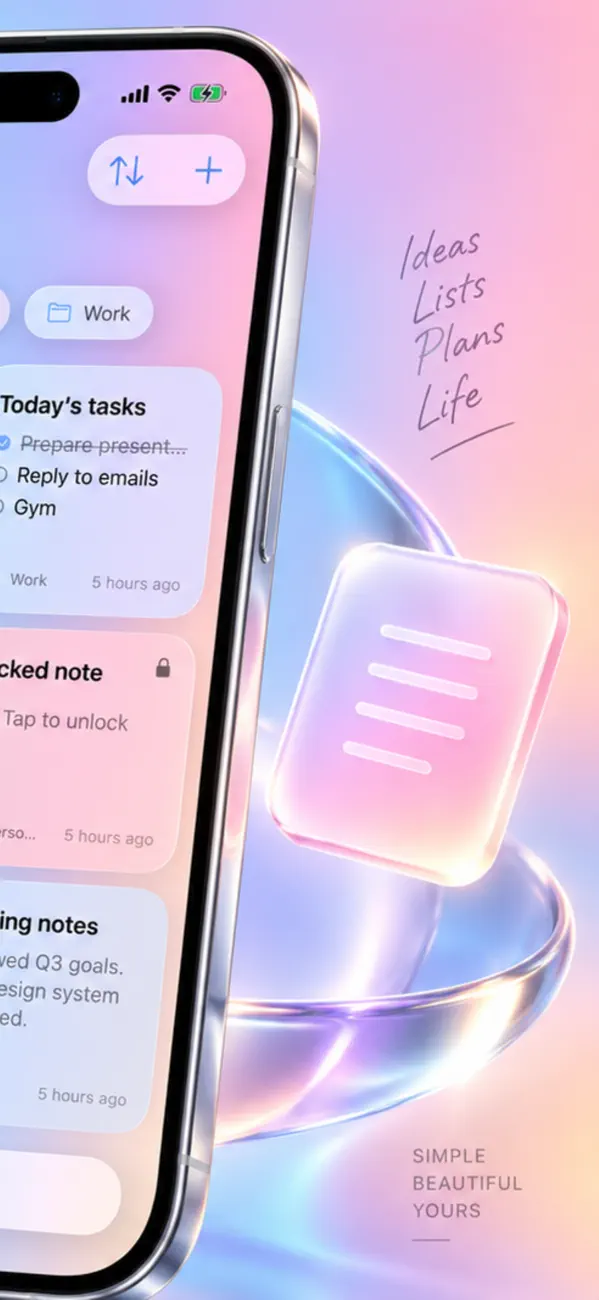

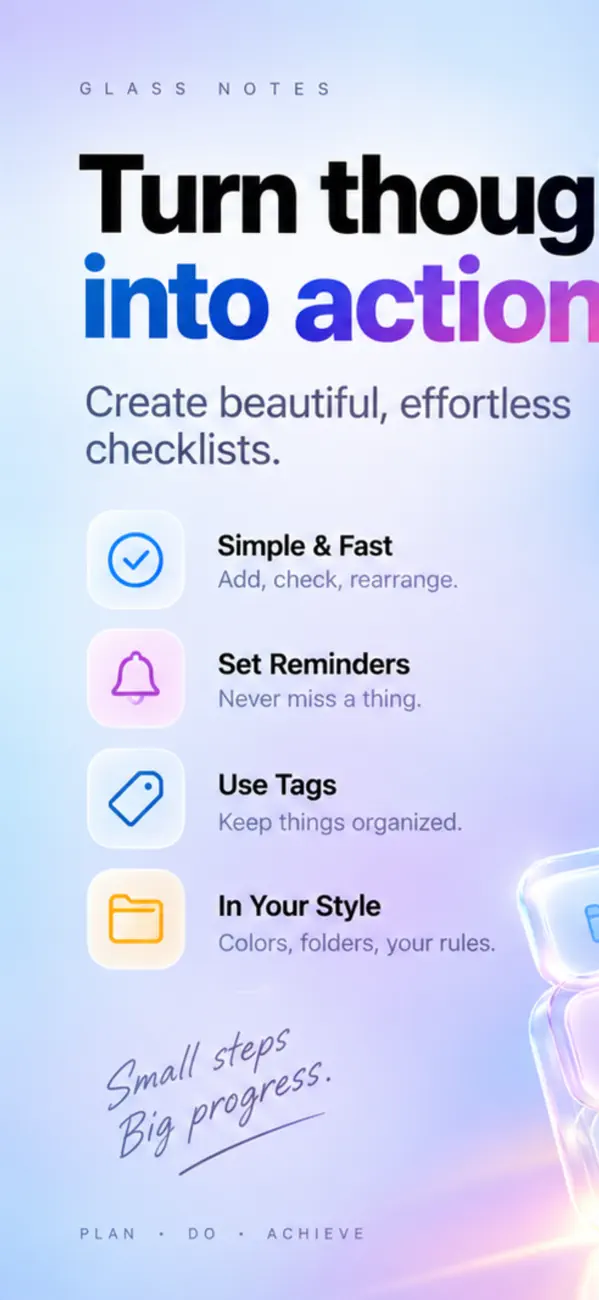
Every note is a vibrant glass card that reflects the color behind it. Tell your notes apart at a glance with six color tags.
Turn your to-dos into tappable items and watch your progress right on the card.
Group your notes by topic and filter with a single tap.
Protect private notes with Face ID or your passcode. Locked notes stay hidden until you unlock them.
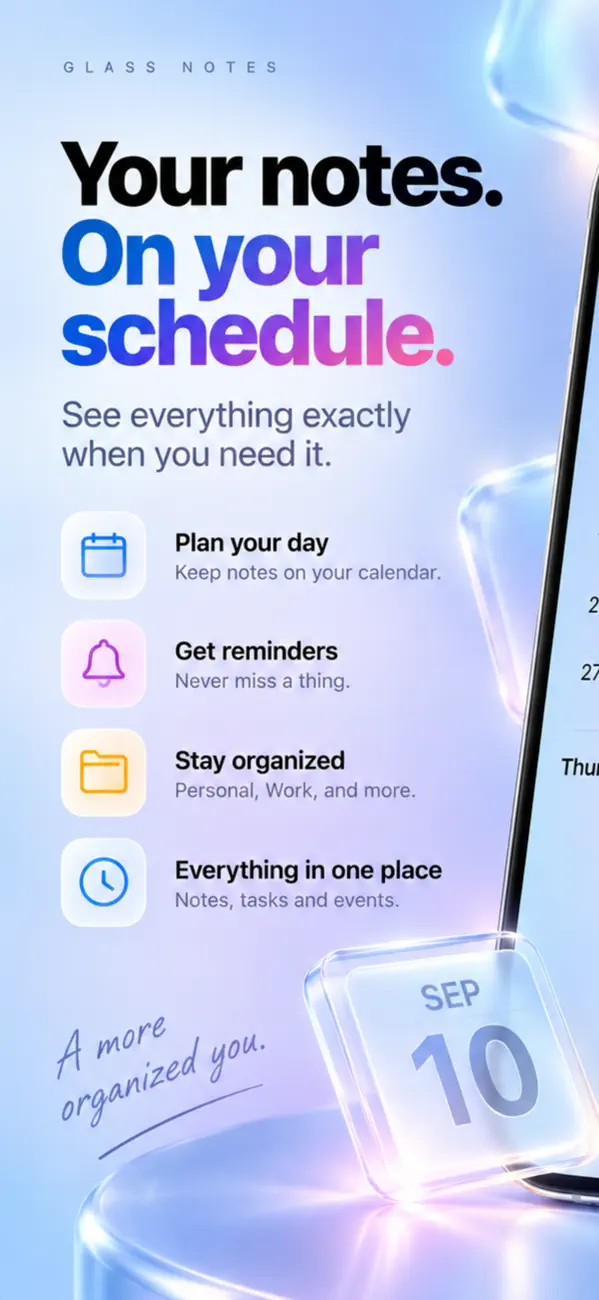
Keep your latest notes one tap away, and check off your list right from the Home Screen.
Note apps fail for one of two reasons: things are hard to find later, or the notes live somewhere you do not trust. Both are solvable without changing how you write.
Because the note was written for the person who had the context, and found by the person who lost it. A note titled "Meeting" is invisible in six months.
Put the searchable words in the first line — names, project, the specific thing. Most note apps show that first line as the title in lists, so it does double duty as both label and search bait.
It depends on where they are stored and whether they are encrypted at rest. Notes synced to a company's servers are readable by that company unless they are end-to-end encrypted — and most note apps are not.
Notes kept on device have no such exposure. If you keep passwords, medical details or anything sensitive in notes, this distinction matters more than any feature list.
Size and specificity. "Sort out taxes" sits on a list for months because it is a project wearing a task's clothes. "Find last year's return in email" gets done because you can start it without thinking.
If an item survives three reviews untouched, it is either not a real task or not really a priority. Both mean the same thing: rewrite it or delete it.
Pick one place and use it for everything. Most lost notes are not deleted — they are in the other app, on the other device, or in a message you sent yourself.
Also check what happens when sync fails. A note app that silently discards conflicting edits will eventually cost you something you cared about.
The download is free, but Glass Notes: Notes & Lists has in-app purchases. Glass Notes: Notes & Lists also offers in-app purchases; the App Store listing has the current terms.
Glass Notes: Notes & Lists runs on iPhone and iPad and requires iOS 26.0 or later.
The download size is 12 MB.
The current version is 1.6, released on 2026-09-14.
Glass Notes: Notes & Lists is available in Arabic, Dutch, English, French, German, Italian, Japanese, Korean and more.
Glass Notes: Notes & Lists is built by BIR (Build Intelligent Reality), an independent software studio founded by Birkan Aksoy. BIR has 38 apps on the App Store.
Straight answers — no app required.
All questions →


